


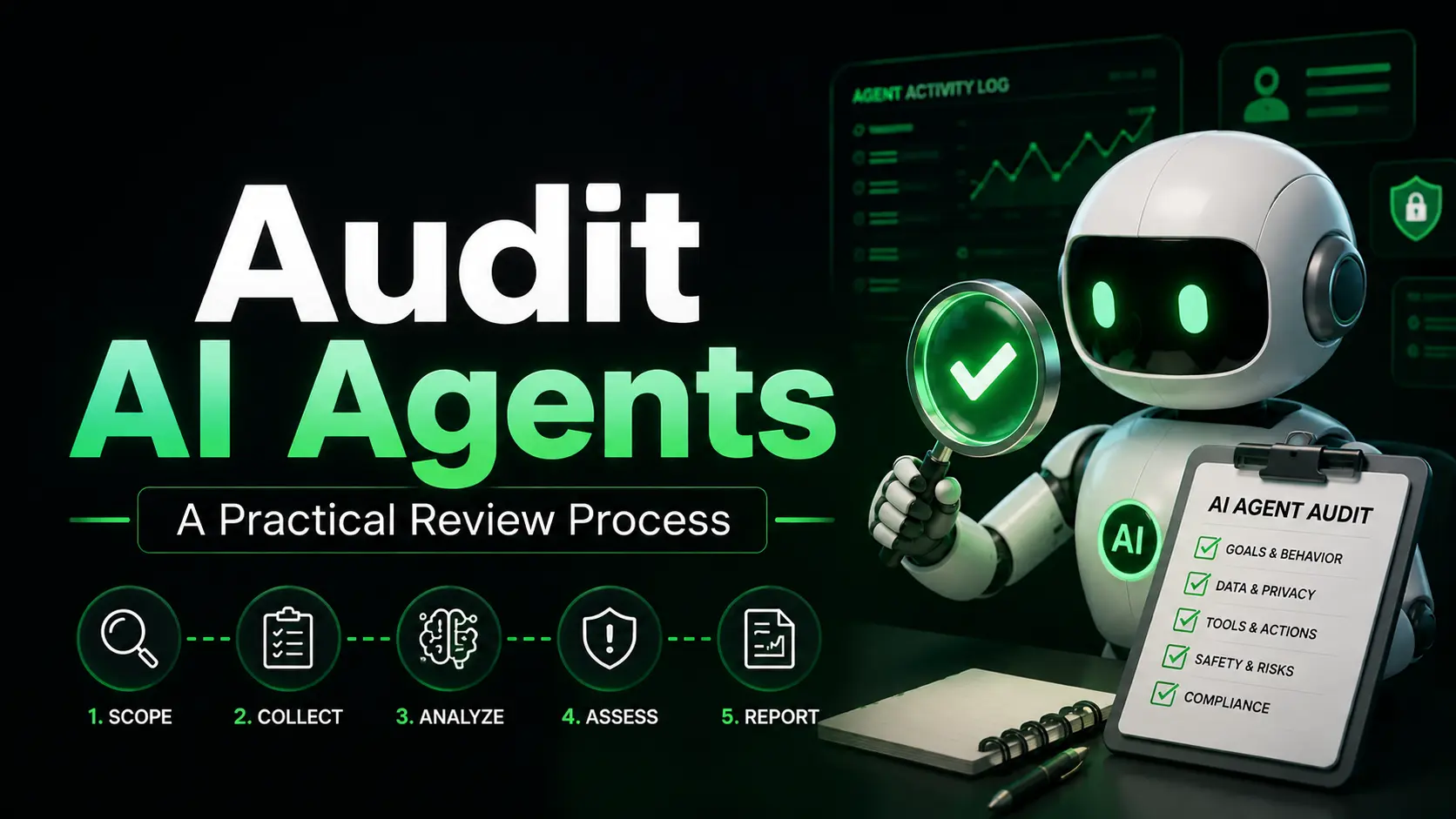
AI agents now research, write, call tools, update files, and move work forward inside the same rooms as your team. That speed is useful. It also creates a new problem: when something goes wrong, you need a clear record of what the agent did, why it did it, and who approved the risky steps.
Most teams still treat agent activity like ordinary application logs. That leaves gaps. A practical audit process fixes the gaps without turning every run into a compliance project.
This post walks through a review process you can apply today. It focuses on what to capture, how to sample, and how to turn findings into better controls.
Why agent activity needs its own review process
Human work leaves obvious trails: commits, comments, ticket updates. Agent work is different. An agent can chain tool calls, pull context from multiple sources, and produce an output in seconds. If you only keep the final answer, you lose the sequence that produced it.
When an agent sends the wrong email, changes the wrong spreadsheet row, or escalates a ticket incorrectly, the first question is always the same: what exactly happened, in what order, with which inputs?
A usable audit trail answers that question without guesswork.
What a useful agent activity log must contain
At minimum, every consequential action should record:
- Agent identity and version
- Triggering user or system event
- Timestamp and session or room ID
- Full input (prompt or task description, with sensitive fields redacted if needed)
- Tools called, in order, with parameters
- Retrieved context or data sources
- Output or side effects
- Cost and latency where available
- Any human approval or override, including who and when
- Final status (success, failure, escalation)
Logs that only store the final text are not enough. Logs that can be edited after the fact are also not enough. Prefer append-only storage with basic integrity checks so the record stays reliable.
A practical review process in five steps
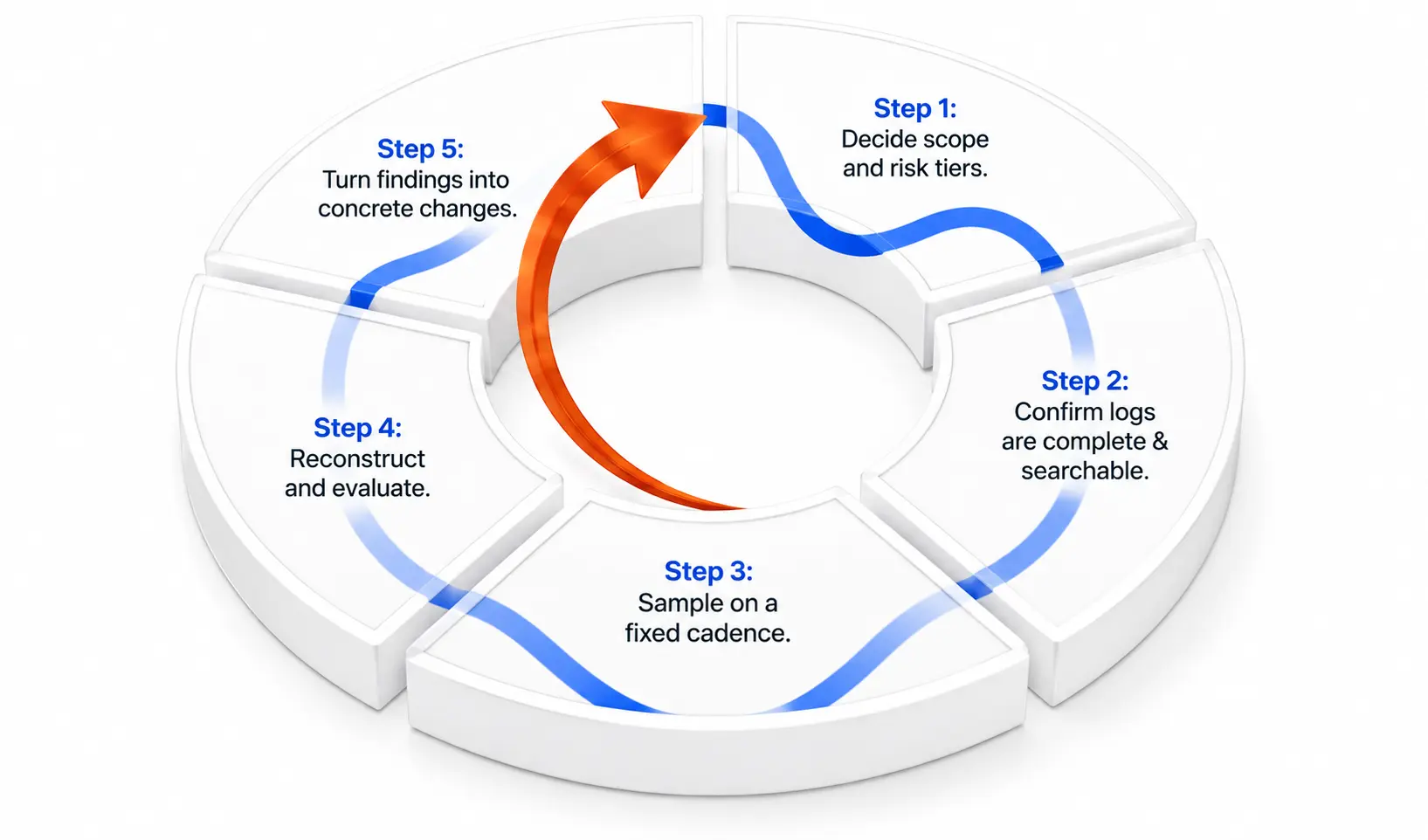
1. Decide the audit scope and risk tiers
Not every agent action needs the same scrutiny. Start by listing the agents and workflows that can change data, spend money, contact customers, or access sensitive systems. Assign simple tiers:
- High: external actions, data writes, payments, customer communication
- Medium: internal research, draft generation, status updates
- Low: pure read or summarization tasks with no side effects
Focus regular review time on high and medium tiers. Low-tier activity can stay in the logs for investigation when needed.
2. Confirm the logs are complete and searchable
Before you review anything, check that the logging itself works. Pick a recent high-risk run and try to reconstruct the full timeline from the records alone. If pieces are missing (tool parameters, approval records, or the original prompt), fix the instrumentation first.
Searchability matters. You should be able to filter by agent, room or project, date range, tool name, and outcome without exporting everything to a spreadsheet.
3. Sample on a fixed cadence
Set a simple rhythm rather than waiting for incidents:
- Daily or every other day: quick scan of high-risk actions from the previous period
- Weekly: deeper sample of medium-risk work plus any anomalies (high cost, repeated failures, unusual tool sequences)
- Monthly: broader review of patterns across agents and teams
Sampling beats trying to read every line. A consistent sample of 5–10 high-risk runs plus a handful of random ones usually surfaces the issues that matter.
4. Reconstruct and evaluate each sampled run
For each sampled activity, walk through the same questions:
- Does the sequence of tools match the stated task?
- Were the inputs complete and appropriate?
- Did any step require human approval, and was it recorded?
- Does the final output or side effect match what the team expected?
- Are there signs of drift (wrong data sources, repeated retries, unexpected tool choices)?
When possible, replay the same inputs in a controlled setting to confirm the behavior is reproducible. Note any place where policy should have blocked or required approval but did not.
5. Turn findings into concrete changes
An audit that only produces notes is incomplete. Convert each finding into one of three outcomes:
- Update the agent instructions or tool permissions
- Add or tighten an approval gate for that class of action
- Adjust monitoring thresholds (cost, error rate, unusual tool use)
Track the change and re-check the same workflow in the next review cycle. This closes the loop.
Common problems that show up in early audits
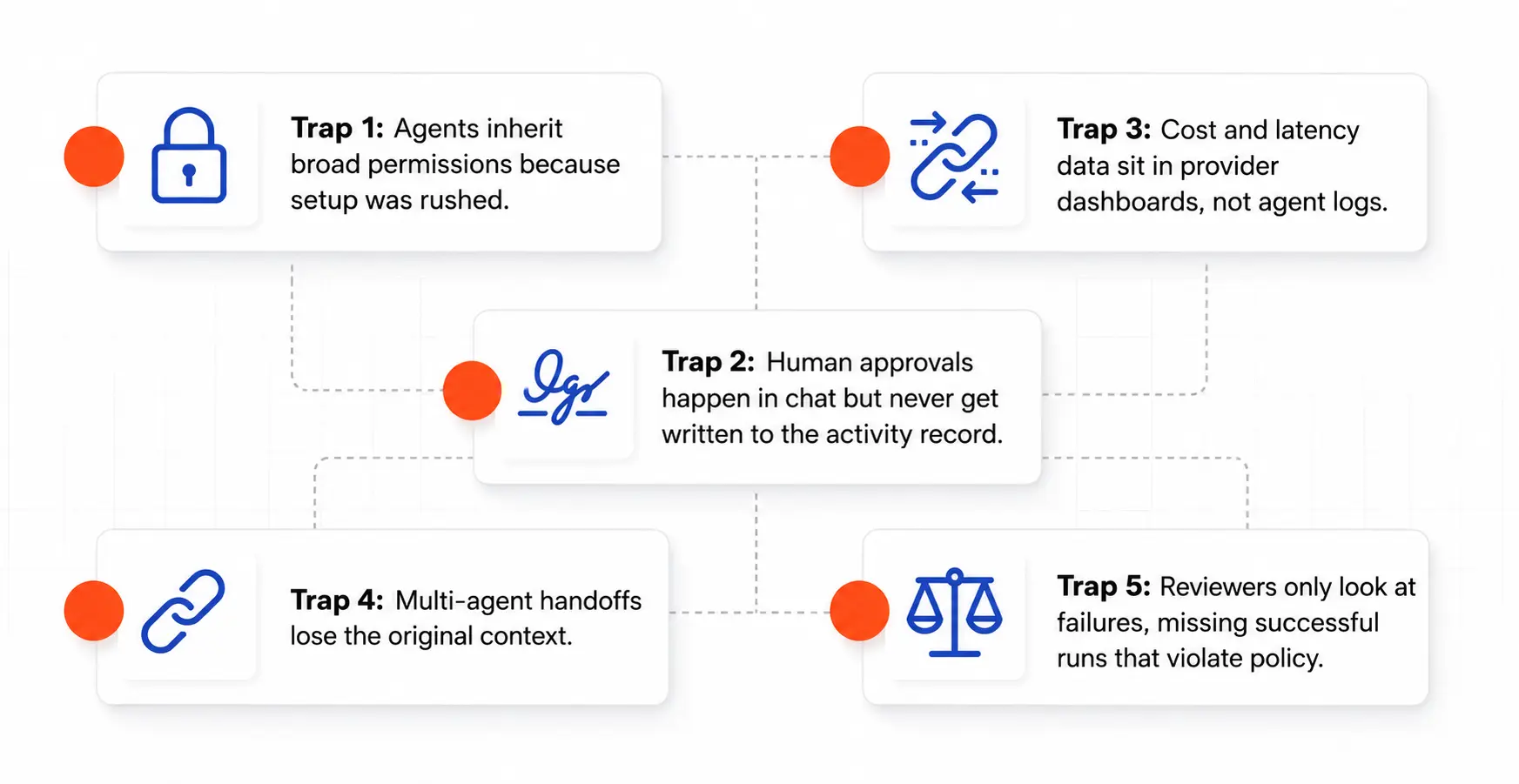
Most teams hit the same issues in the first few cycles:
- Agents inherit broad permissions because setup was rushed
- Human approvals happen in chat but never get written into the activity record
- Cost and latency data exist in the model provider dashboard but never land in the agent log
- Multi-agent handoffs lose the original context, so the second agent acts on incomplete information
- Reviewers look only at failures and miss successful runs that still violated policy
Fixing these early prevents larger problems later.
How shared workspaces change the review
When humans and agents work in the same room on the same artifacts, the activity record becomes more useful. You can see the agent messages, the human replies, the file edits, and the task outcomes in one place. That shared context makes reconstruction faster than hunting across separate chat, ticket, and logging systems.
The review process still follows the same steps. The difference is that the evidence is already co-located with the work.
Final notes
Start small. Pick one high-risk agent or workflow, confirm the logs capture the required fields, run a short sample review, and fix the first two or three gaps you find. Expand from there.
A practical audit process does not require perfect systems on day one. It requires consistent records, a clear sampling rhythm, and the habit of turning observations into tighter controls.
If your team is already running agents alongside people in shared rooms, the next useful step is to make sure every consequential action leaves a complete, reviewable trail. That single change turns agent activity from a black box into something you can actually govern.
Frequently Asked Questions
How often should we actually review agent activity?
Start with a weekly sample of high-risk actions. Once the process feels routine, keep the weekly rhythm and add a lighter daily scan only for the highest-risk agents. Monthly pattern reviews help catch gradual drift that single-run checks miss.
What if our current tools don’t capture full tool-call details?
Treat that as the first finding. Prioritize logging improvements before expanding the review cadence. Incomplete records make every later audit less useful. Fix the data first, then the process.
Do we need to log every single agent message or only the consequential ones?
Focus on consequential actions: anything that writes data, calls external tools, spends money, or contacts people outside the team. Pure internal reasoning or temporary drafts can stay lighter. The goal is a usable trail, not a complete transcript of every token.
How long should we keep the activity logs?
Match retention to your risk and any regulatory requirements you already follow. Many teams keep high-risk activity for 12 months and medium-risk activity for 6 months. Decide the policy early and enforce it so storage does not become an afterthought.
Who should own the review process?
Someone close to the work usually does the best job: the team lead or operator who already understands the agents and the rooms. Escalate clear policy or security issues to the relevant owners. Ownership works better when it sits with people who can both spot problems and change the agent configuration.