

The best AI presentation maker is the one that leaves you with a deck your team can actually use. A beautiful web presentation helps little when a client needs an editable PowerPoint file, or every slide must follow the company template.
Canva and Gamma are sensible starting points for a first draft. If revisions happen in PowerPoint or Google Slides, begin inside those apps. This article compares eight AI presentation makers for work in 2026, covering their strongest uses, editing options, costs, and limits.
TLDR: Start with Canva or Gamma for a first draft, and Copilot or Gemini when the deck must stay in your current editor. For team use, prioritize template control, collaboration, and the quality of the exported file.
1. Canva
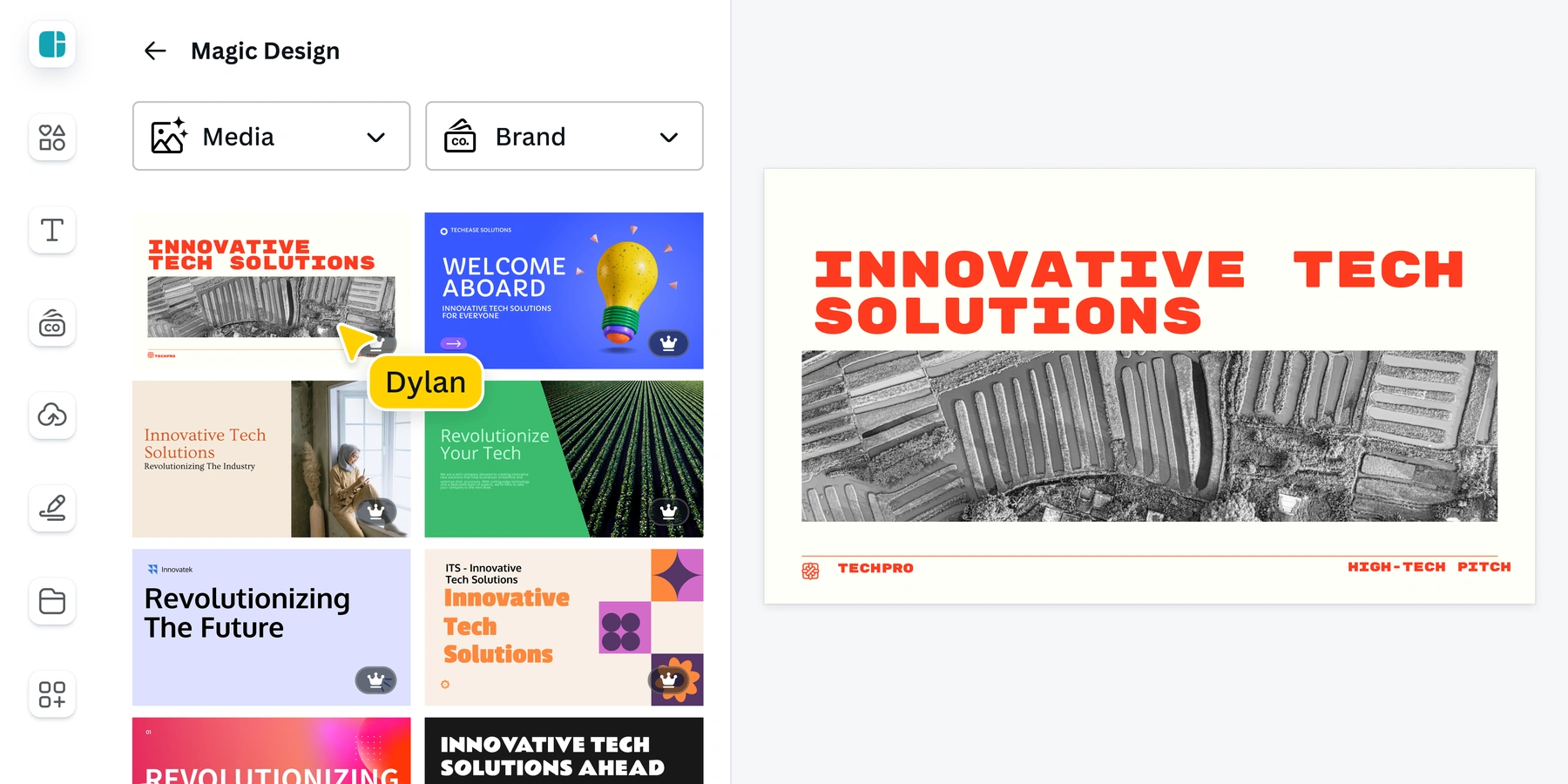
Canva makes sense when the deck is part of a larger design job. Magic Design for Presentations creates a draft from a prompt, then the editor gives you templates, graphics, collaborative editing, and layout suggestions. A marketing team can carry the same visual style into its launch deck and campaign assets. Brand Kit requires a paid plan.
Magic Design includes up to 10 free uses across its versions. Check which assets need payment before committing to a design. Canva exports presentations to PPTX, but its animations and embedded videos do not carry over as working PowerPoint elements. Present in Canva when those effects matter; inspect the exported file before handing it off.
2. Microsoft Copilot in PowerPoint
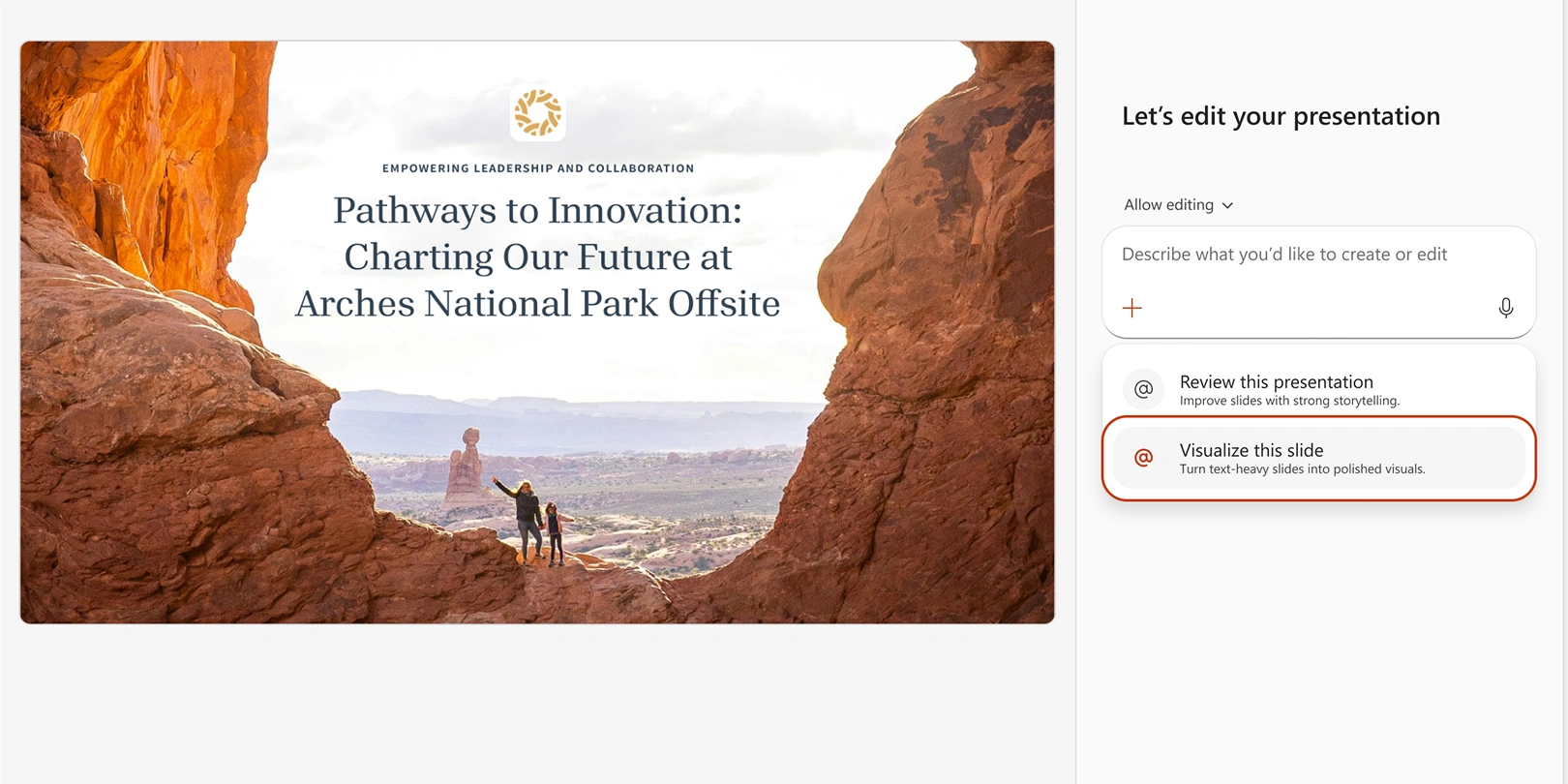
Start here when PowerPoint is already the final destination. Copilot can build a presentation from a prompt or reference file, help refine its outline, and edit the resulting slides through conversation. For a project update, give it a structured Word brief rather than a vague request to make something impressive.
Open your organization's template first so Copilot can use its theme and layouts. The result stays in PowerPoint, where colleagues can make ordinary edits. Access depends on an eligible Microsoft 365 subscription and your organization's settings; a free Copilot chat account does not establish access to every PowerPoint creation feature. Check your existing license before buying another slide tool.
3. Gemini in Google Slides
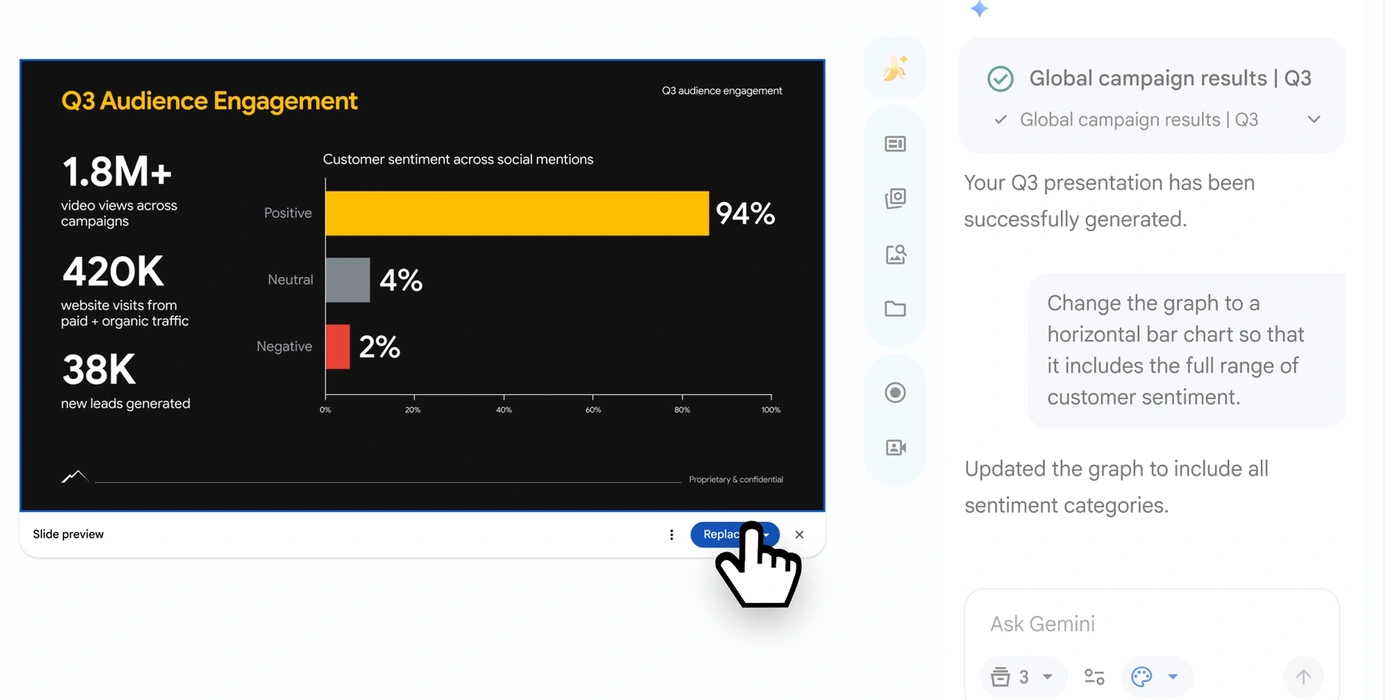
Gemini can now generate a complete, editable presentation inside Google Slides. Add reference files from Drive, optionally supply a deck whose style it should follow, and review the proposed outline before generation. That is useful when a team already keeps its brief, research, and review comments in Google's workspace.
You can then revise individual slides with Gemini or edit their elements directly. Full-deck generation requires an eligible Workspace or Google AI plan and currently works on desktop in English. Business and Enterprise Standard or Plus, and Google AI Pro or Ultra, are supported routes. Check the account's usage limits, particularly if several people are producing decks regularly.
4. Gamma
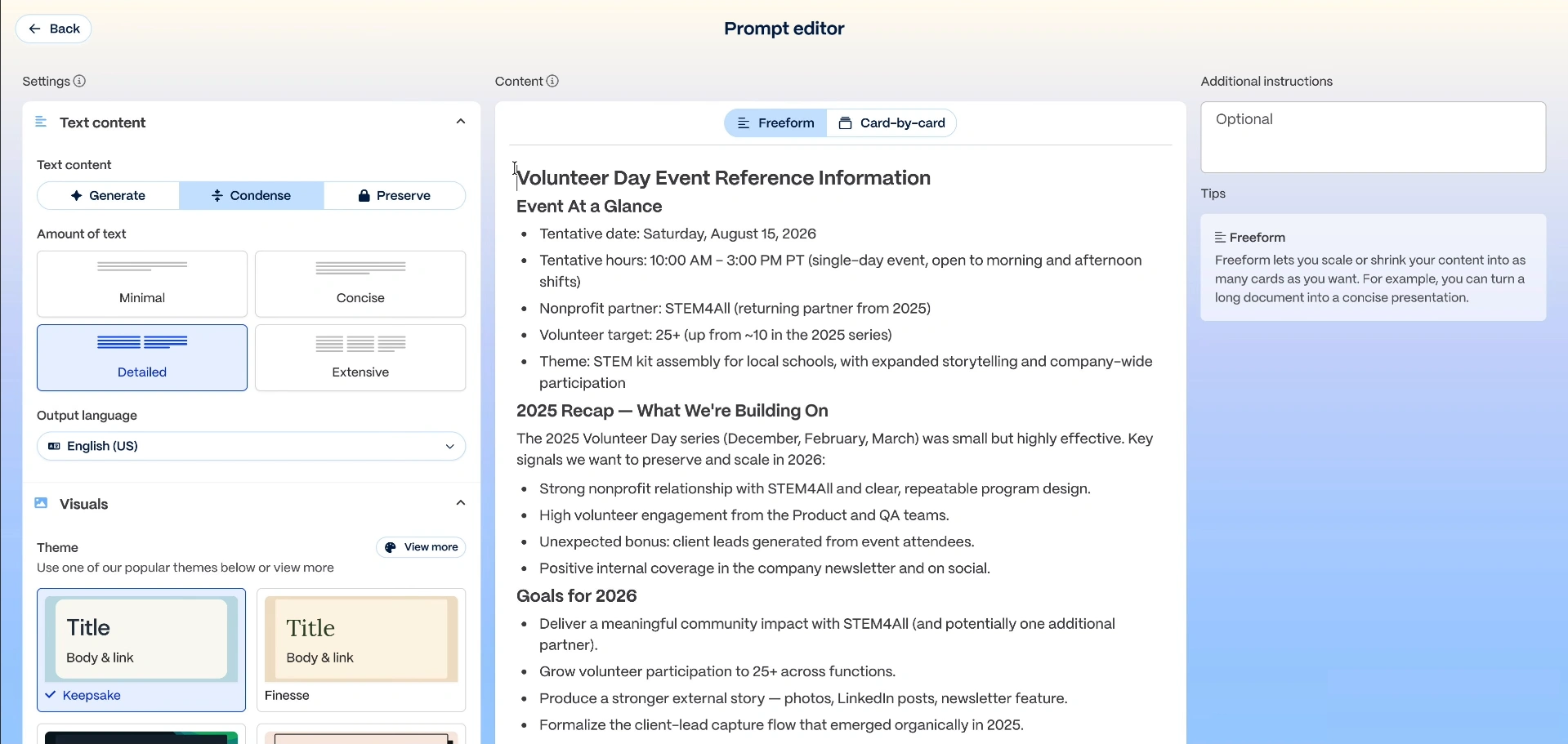
Gamma is worth trying when you have an outline but do not want to arrange every text box. It turns content into a presentation built from flexible cards, with themes and AI-assisted revisions. Sharing a browser link suits proposals, internal explainers, and decks that people will read without a presenter.
The Free plan generates up to 10 slides per prompt, and its AI credits do not renew. Paid plans remove Gamma branding. You can export to PDF or PowerPoint, and move a PPTX into Google Slides. Export early if a client needs that format: Gamma does not create PowerPoint slide masters, and a live web experience needs a separate file check.
5. Prezi AI
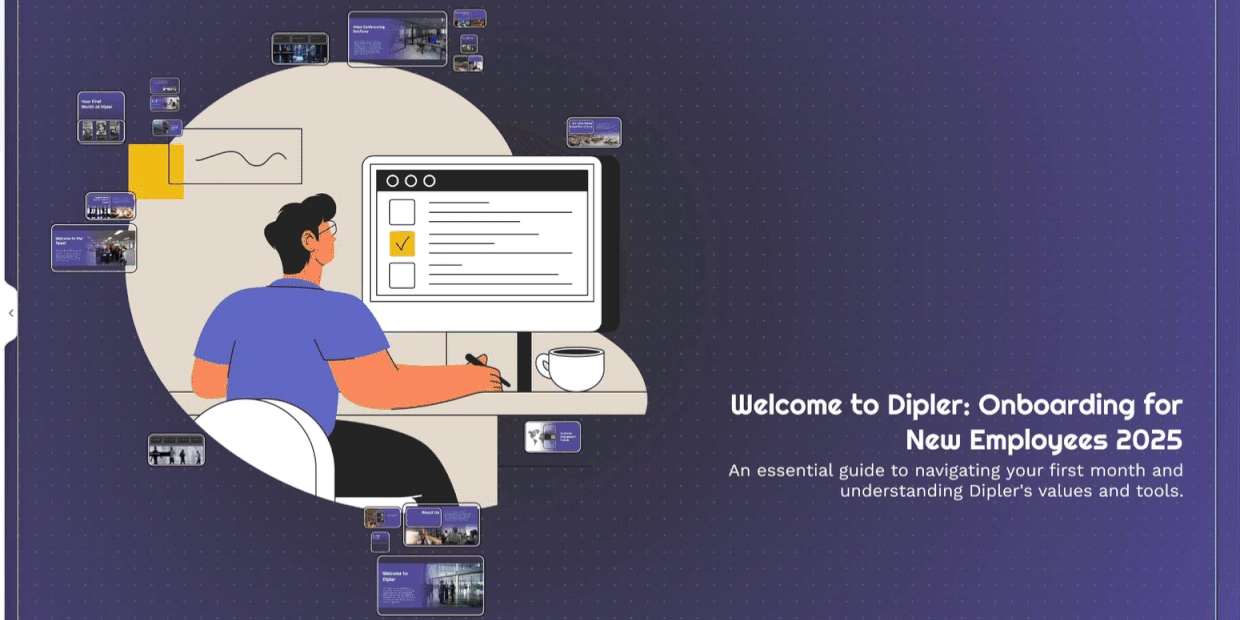
Prezi is the choice to consider when the audience needs to see how ideas connect. Its zoomable presentation format lets you move between an overview and individual topics, which suits training, an organizational introduction, or a discussion that may change direction. Prezi AI can start from a prompt or an uploaded document.
Importing a PowerPoint through AI restructures its text and replaces the original visuals, so bring important charts back yourself. Basic includes limited AI credits; privacy controls and offline presenting depend on the paid plan. Prezi also exports PPTX, but each frame becomes a static slide. Use the Prezi presentation itself when zooming is central to the story.
6. Beautiful.ai
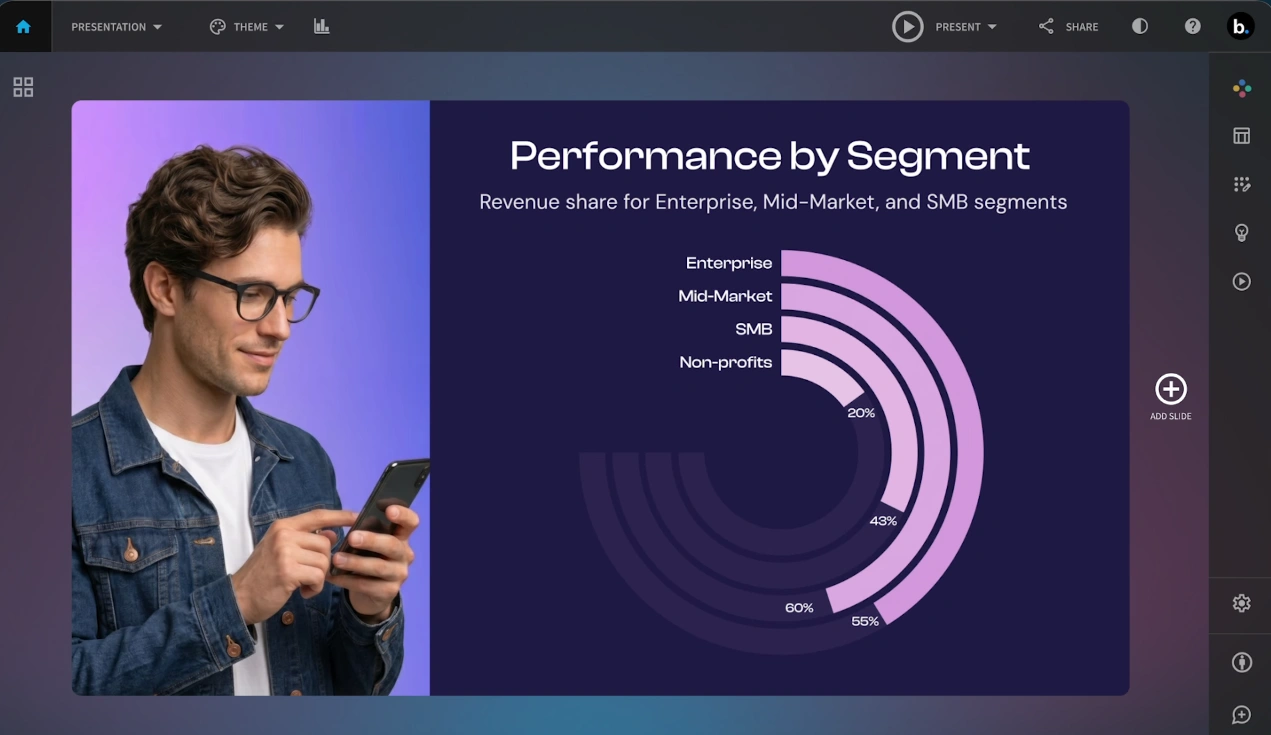
Beautiful.ai is useful when maintaining a tidy layout takes longer than writing the content. Its Smart Slides automatically realign and resize elements as you edit. You can refine an AI-generated outline before choosing the visual direction, then use structured layouts for comparisons, timelines, or business results. Team features add shared libraries and brand controls.
The tradeoff is working within those layout rules, although Classic Slides allow freer editing. Pro costs US45. The 14-day trial requires a card and charges automatically unless canceled. Editable PowerPoint export is available, but check fonts on the recipient's machine.
7. Pitch
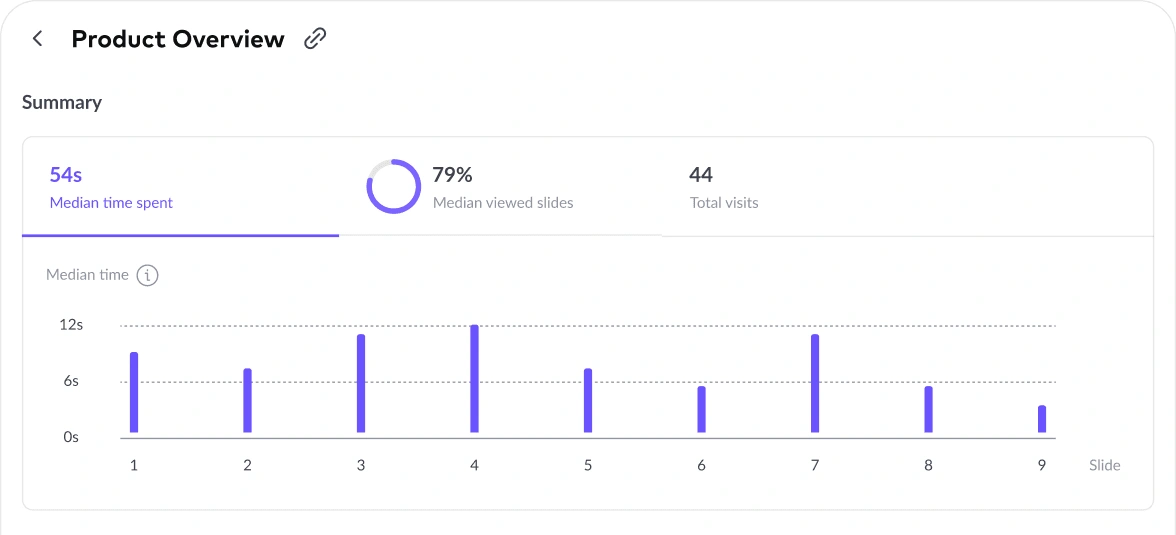
Pitch is a good fit for teams that repeatedly prepare proposals and sales decks together. Pitch Agent builds from a prompt, attached files, and your chosen template, then lets you refine slides through chat. Shared templates, comments, and slide assignments give the rest of the team a place to finish the work.
Its paid sharing features also track how recipients engage with a deck, which can inform the next conversation. Free includes 100 nonrenewing AI credits. PowerPoint export requires a paid plan, and animations, uploaded videos, and recordings do not survive as playable content in that file. Choose Pitch for its collaboration and delivery workflow as much as its generation features.
8. Plus AI
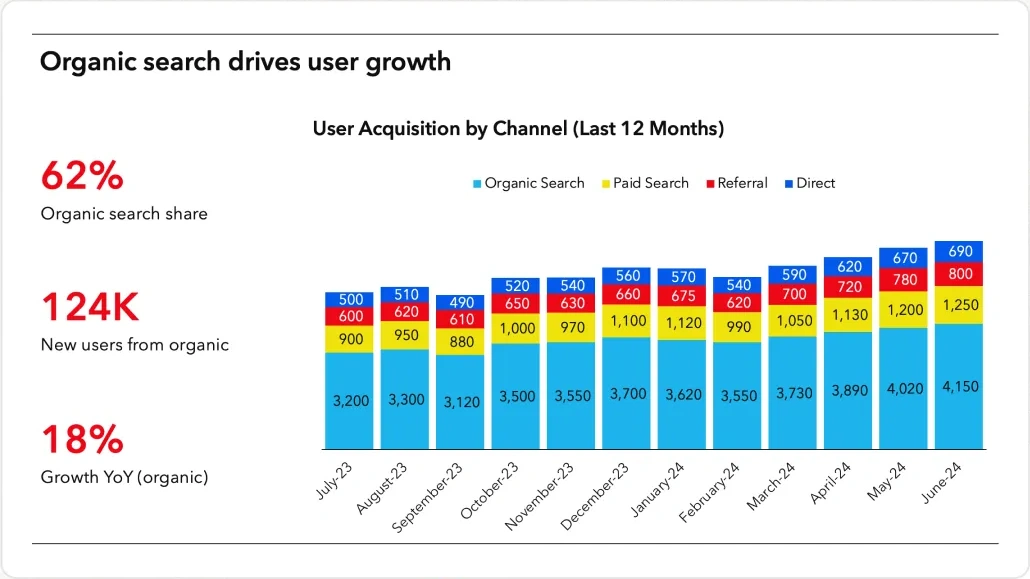
Plus AI is worth considering when you want one presentation assistant for both PowerPoint and Google Slides. It works inside those editors and produces native presentations. Alongside complete decks, you can insert a single slide, rewrite copy, or remix content into a different layout. That makes it useful for updating existing work without moving the team to another presentation app.
Basic costs US15 monthly. Document uploads require Pro, starting at US$20 per user per month with annual billing. The seven-day trial includes 1,000 AI credits. Team branding and custom templates sit on higher plans, so test your actual company template before choosing a subscription.
Choose the tool around the handoff
First decide what the next person needs: an editable PowerPoint, a collaborative Google Slides file, or a presentation link. Then shortlist two tools that support that handoff. This avoids spending an afternoon polishing a deck you later have to rebuild.
Give both tools the same real brief, including the audience, decision, source material, and required template. Check the exported file, chart values, and citations in the generated content. Count the work left after generation. The best choice is the one that gets your actual presentation ready with the least cleanup.
Frequently Asked Questions
Which AI presentation maker can I try free?
Canva, Gamma, Pitch, and Prezi offer free access with AI limits. Check branding, privacy, and export restrictions.
Which tools work inside PowerPoint?
Microsoft Copilot and Plus AI work in PowerPoint. Plus AI also supports Google Slides.
Can Gemini create a whole presentation?
Yes. Eligible plans support editable decks in Google Slides, currently on desktop in English.
Do AI presentation makers verify my facts?
You still need to check claims, numbers, charts, and references before presenting or sharing.