

A client portal, a mobile inspection app and an AI research workflow need different kinds of builders. No-code platforms make these projects more accessible, but choosing one starts with the result you want and the data it needs to use.
This list covers visual app builders, website tools, automation platforms and AI-assisted development. Some let you work entirely through visual controls; others generate code or offer it for advanced customization. In this article, we list ten options, explain their strengths and suggest a useful first project for each.
1. Bubble
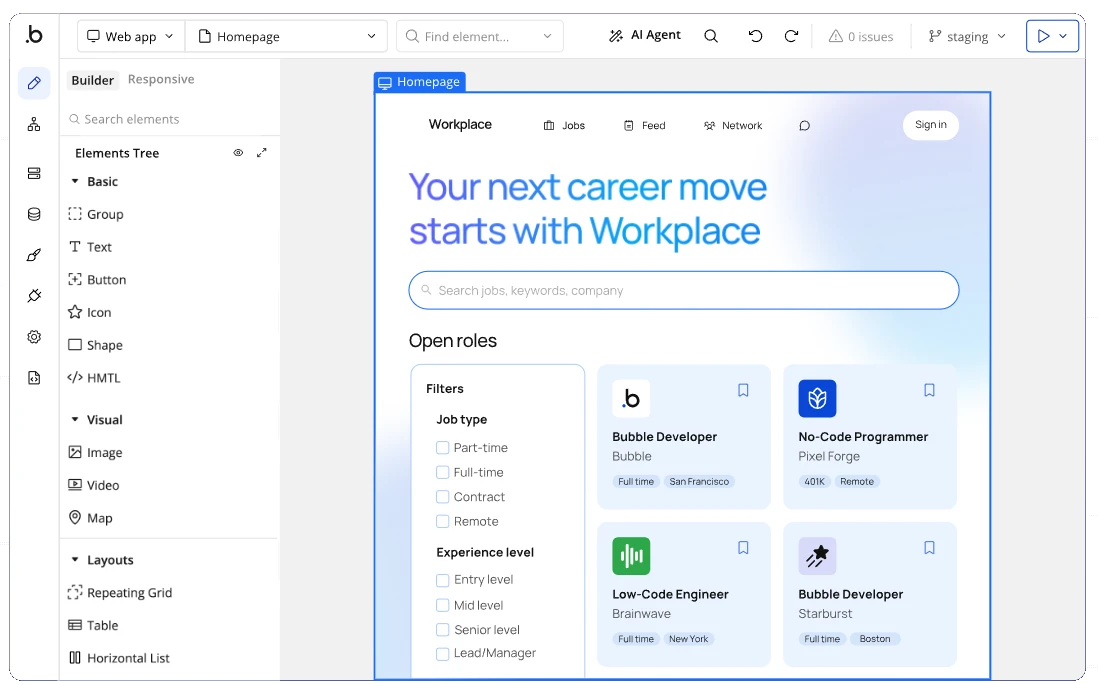
Best for: Custom web applications.
Bubble suits projects where the screens, stored data and business logic all need to work together. You can start with AI generation, then use visual controls to refine the interface and define what happens when someone signs up, submits a form or updates a record.
- Build a database and connect it to dynamic screens.
- Create workflows and extend the app with plugins.
Try this: Bubble
2. Webflow
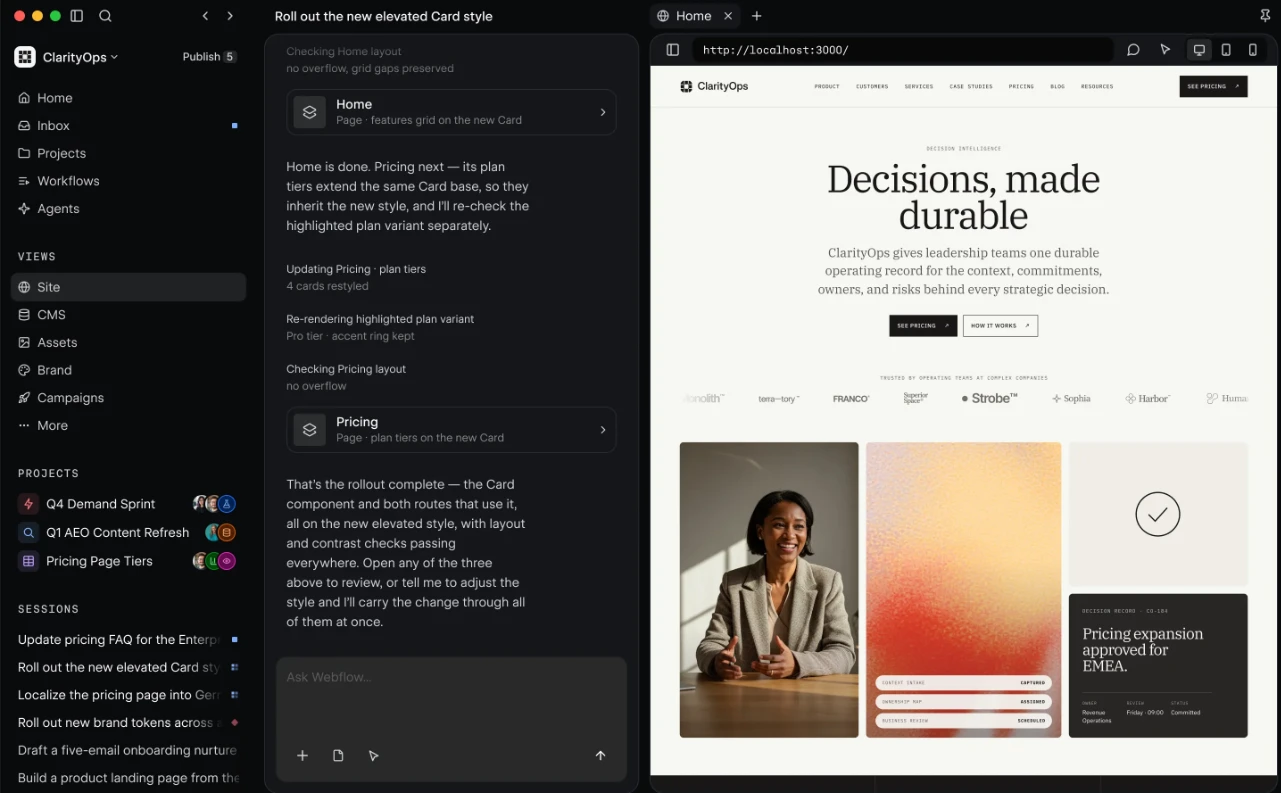
Best for: Content rich business websites.
Webflow is a strong fit for teams that publish frequently and want control over how their website looks. Its visual canvas handles layout and typography, while the CMS lets editors update structured content without rebuilding each page.
- Create reusable layouts for articles, case studies and product pages.
- Manage publishing and collaborate across design and marketing.
Try this: Webflow
3. Oasis
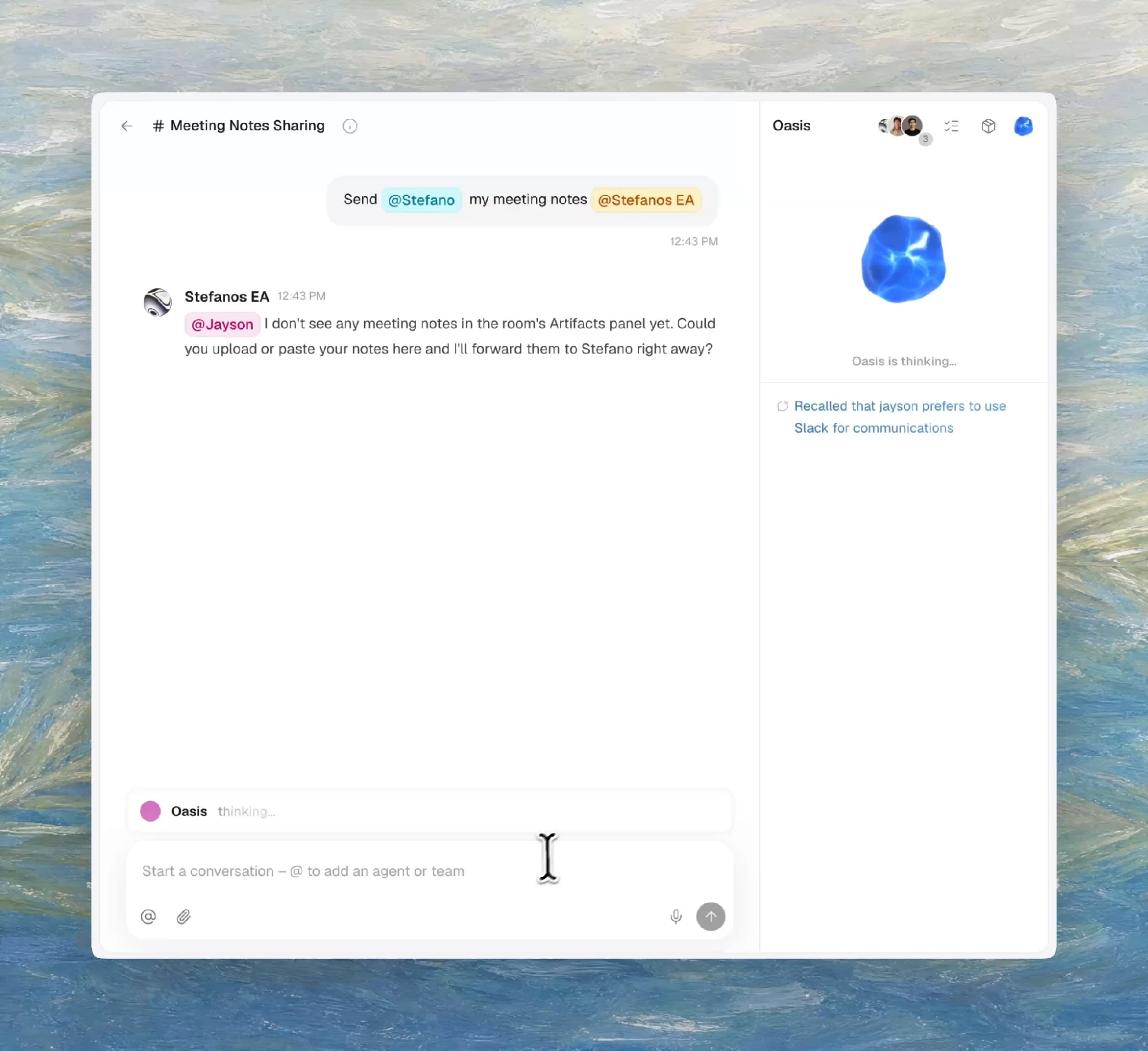
Best for: Shared agents and team workflows.
Oasis lets you build agent workflows your team can use together. Start with an agent template, connect its required apps and adapt the instructions. In shared rooms, teammates and agents can hand work to one another and collaborate on the same documents, spreadsheets or codebase.
- Reuse agents across the team with shared context and memory.
- Start from templates for research, meeting actions and support work.
Try this now: Oasis
4. Lovable
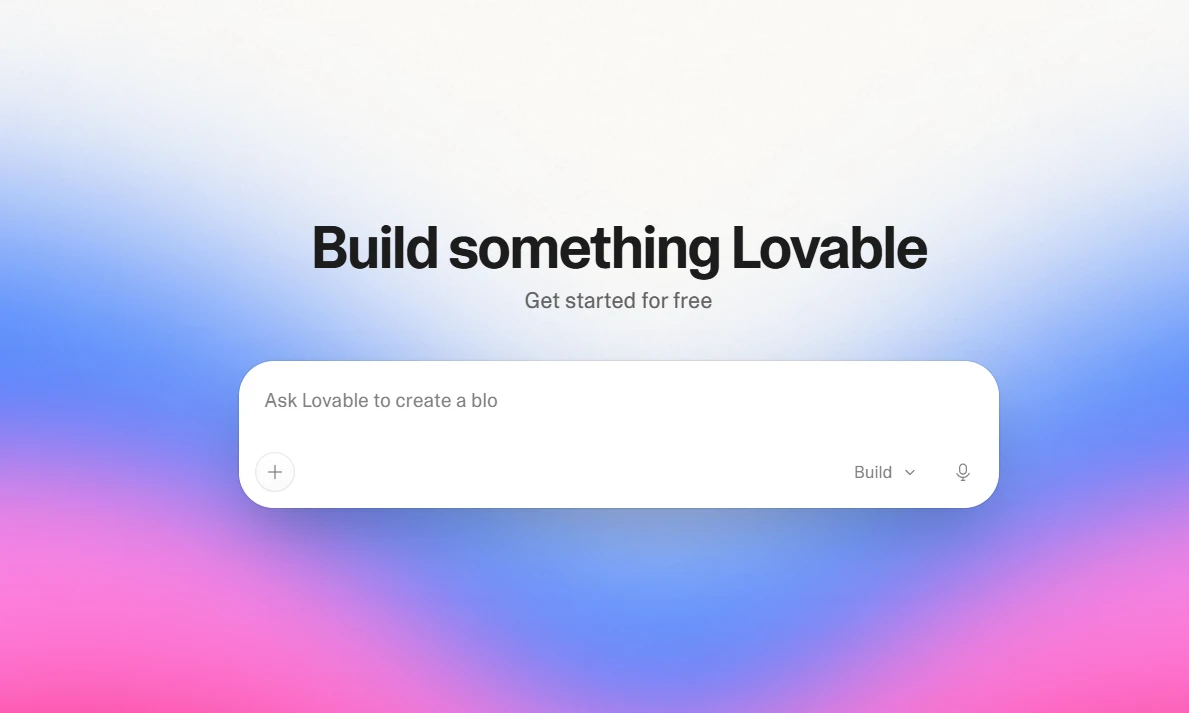
Best for: Apps built from prompts.
Lovable is useful when you can explain the app you want more easily than you can design it screen by screen. Describe the task, review the generated software and refine it through follow-up instructions. The platform also handles hosting and backend infrastructure.
- Generate and revise app interfaces through conversation.
- Add authentication and connect the services your app needs.
Try this: Lovable
5. Framer
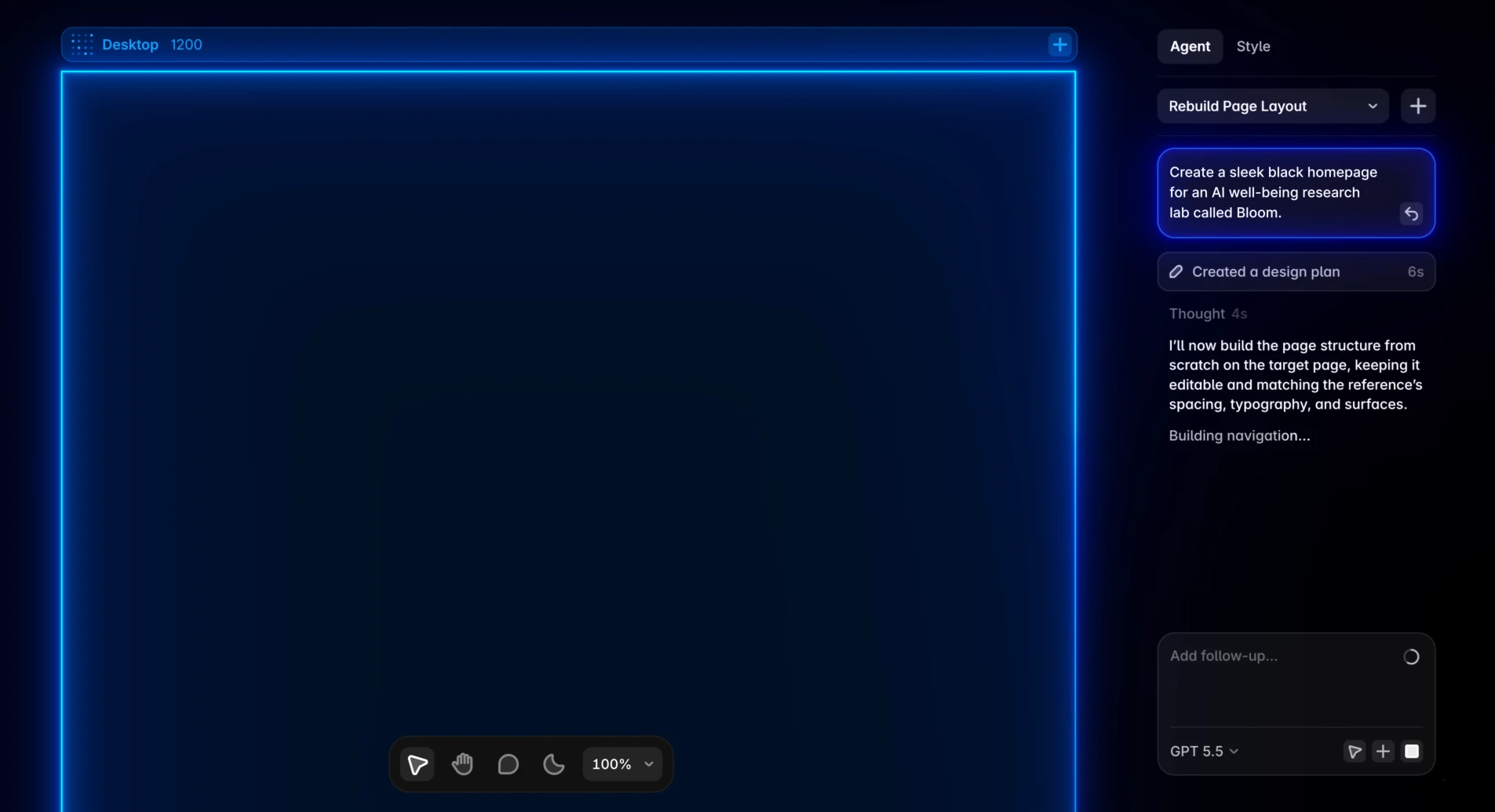
Best for: Landing pages and portfolios.
Framer fits projects where presentation is the main job: a launch page, portfolio or small business website. Build visually, adjust responsive layouts and add interactions. Its CMS gives recurring content a structure, so a growing collection of pages stays manageable.
- Design responsive pages with reusable components and animation.
- Manage collections, publishing and site analytics in one platform.
Try this: Framer
6. FlutterFlow
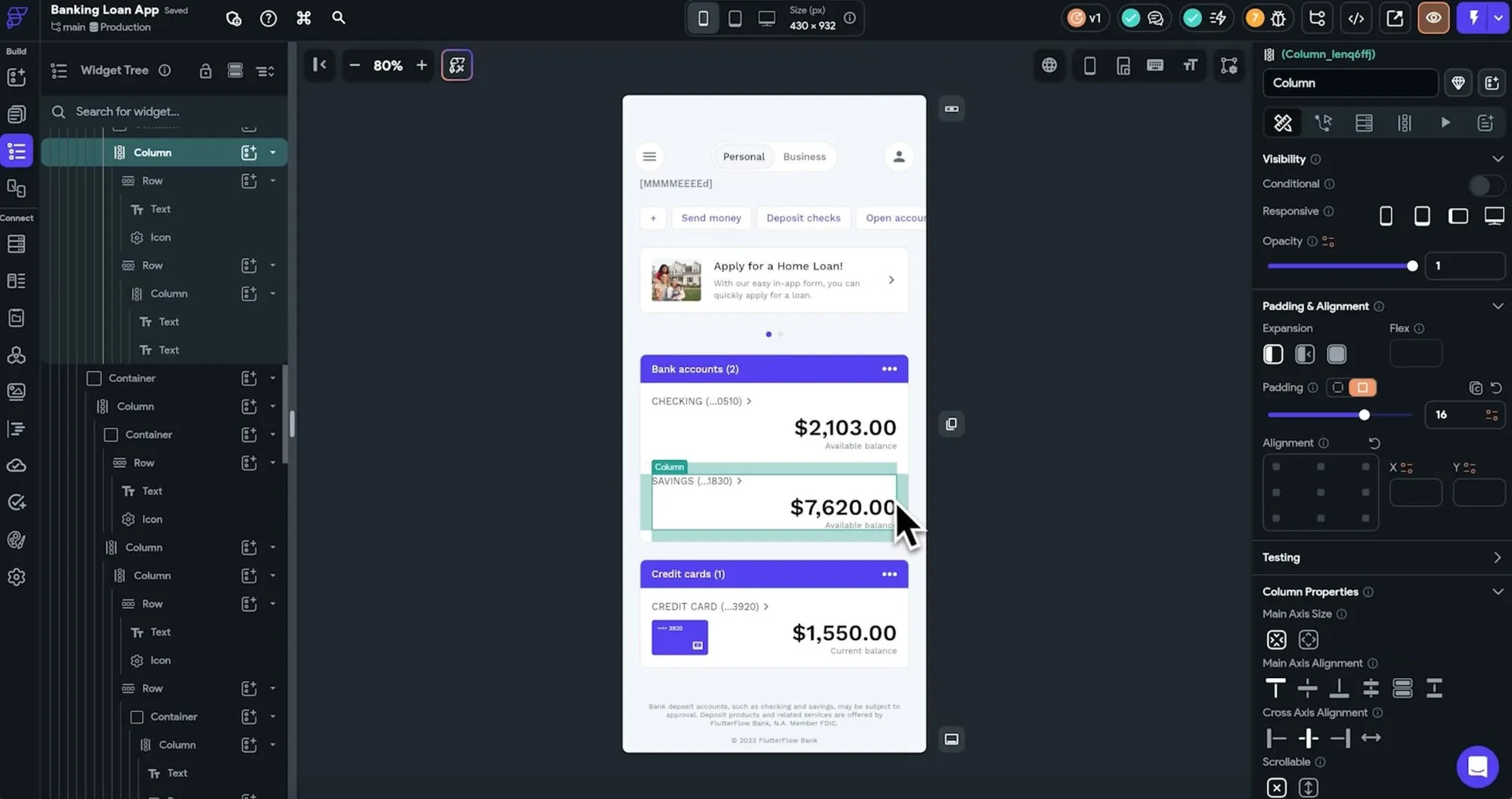
Best for: Mobile apps with visual logic.
FlutterFlow is worth considering when your app needs to reach phones as well as browsers. It combines a visual interface builder with an Action Flow Editor, connections to Firebase and Supabase, and options for custom code. That makes it a bridge between no-code building and developer-led work.
- Build for iOS, Android and the web from one project.
- Connect APIs and export the generated Flutter code.
Try this: FlutterFlow
7. Softr
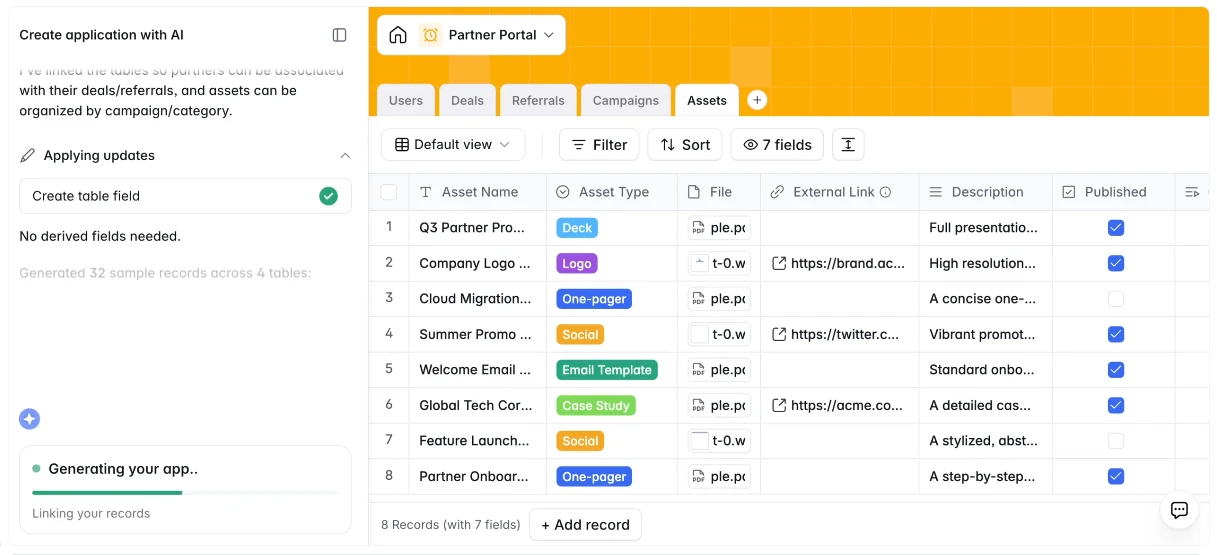
Best for: Client portals and internal tools.
Softr gives business data a usable front end. Combine ready-made blocks with a built-in database or an existing source such as Airtable, Google Sheets or Supabase. Roles and permissions help determine which records clients, partners and employees can access.
- Build portals, dashboards and directories from reusable blocks.
- Combine data, permissions and workflow automation.
Try this: Softr
8. Google AppSheet
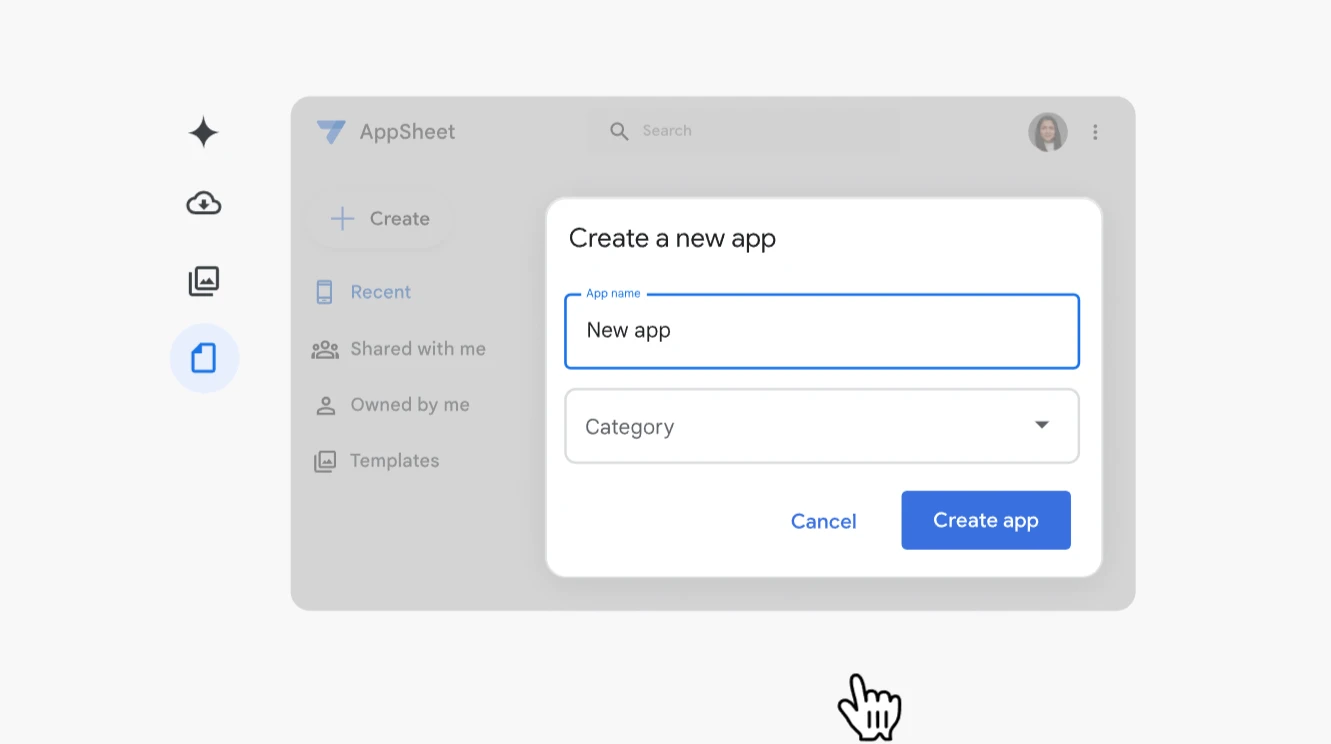
Best for: Operational apps built around data.
AppSheet works well when a business process already lives in a spreadsheet. Turn its records into an app, then add forms, views and automation. Features for capturing photos, locations, signatures and barcodes make it useful for work that happens away from a desk.
- Connect Google Workspace tools and other data sources.
- Configure triggers, conditions and branches for routine processes.
Try this: Google AppSheet
9. Make
Best for: Automations across existing apps.
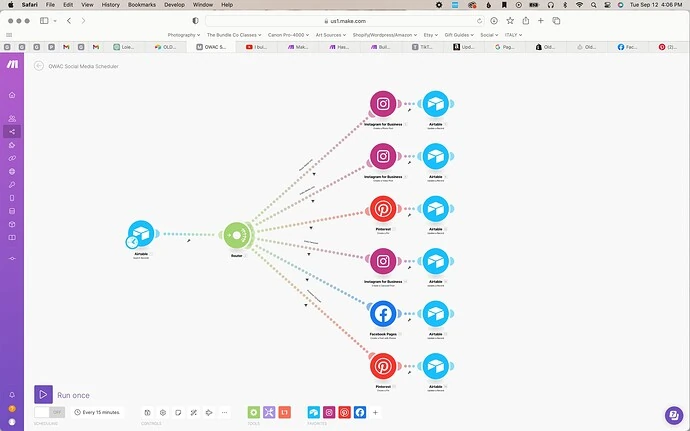
Make is for processes that move between tools. Connect app modules on a visual canvas, map the information between them and define the next action. Routers and filters let different inputs follow different paths, which is useful when a simple trigger-and-action sequence stops being enough.
- Connect business apps, AI models and external services.
- Build branching workflows and inspect how data moves through them.
Try this: Make
10. Dify
Best for: AI applications and knowledge workflows.
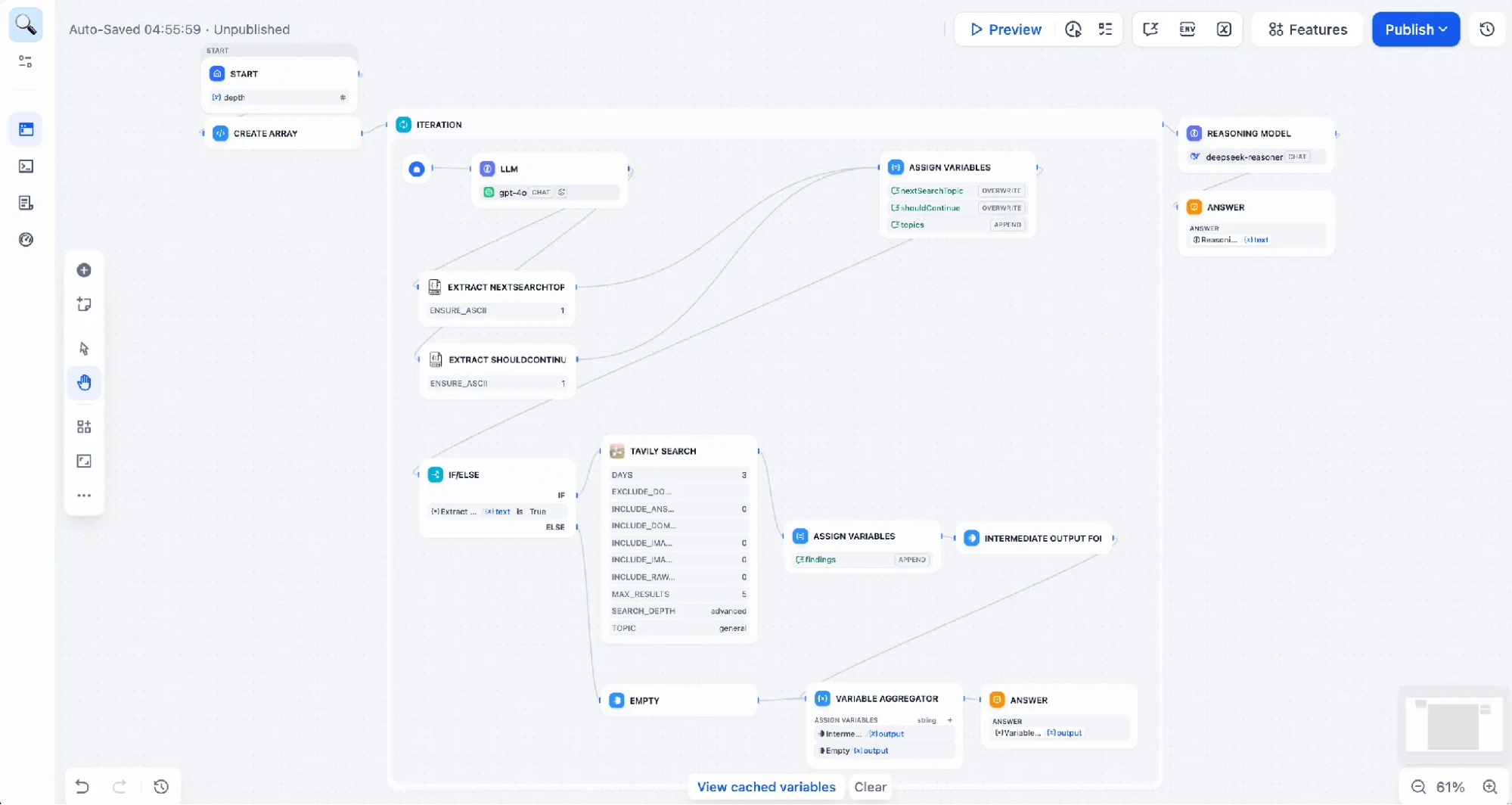
Dify focuses on the logic inside an AI application. Its visual workflow builder connects models, tools and knowledge sources. You can create a searchable knowledge base, build an assistant around it and publish the result as a web app or API.
- Combine model calls with document retrieval and workflow steps.
- Use managed cloud hosting or a self-hosted deployment.
Try this: Dify
How to choose your first platform?
Build one complete task before expanding: submit a request, save it, show it to the right person and confirm the next action. Then check the paid plan against your expected users, usage and integrations. A tool that handles this small workflow cleanly is a better starting point than one with a longer feature list.
Frequently Asked Questions
What is a no-code development platform?
A tool for creating apps, websites or workflows through visual controls or natural-language instructions, reducing the amount of programming you need to do.
Which platform should a beginner try first?
Start with your goal: Framer for a landing page, Softr for a portal, AppSheet for a data-driven tracker, or Oasis for shared agent workflows.
Can these platforms replace custom development?
They can handle many common projects. Specialized features, complex integrations and demanding performance requirements can still need development expertise.