

Autocomplete stopped being the story a while ago. In 2026, developers expect AI tools to do far more than suggest the next line of code. The best coding agents can plan complex tasks, edit across an entire repository, run tests, automate terminal workflows, and even open pull requests with minimal supervision.
At the same time, the frontier models powering these tools have become increasingly similar, making the overall experience depend more on the agent than the model itself. In this blog, we'll compare the five best AI coding agents in 2026, examine where each one excels, and explain what benchmark scores actually reveal.
What Counts as a Coding Agent
An assistant suggests. An agent acts.
A coding assistant waits for your prompt and returns a completion, usually inline, usually a line or a block at a time. You stay in the loop for every edit. A coding agent takes a goal instead of a prompt. It plans multi-step work, edits files across a codebase, runs the tests, manages git and opens a pull request. You review the result, not each keystroke.
That is the bar for inclusion here. Every tool below can be handed a task and left alone. Tools that only complete code as you type did not make the list, however good they are at it.
The same distinction explains why 2026 rankings look nothing like 2024 rankings. The question used to be which model writes the best function. Now it is which harness you can trust to run unsupervised while you do something else.
How This List Was Ranked
Three signals, weighted in this order.
- Autonomous performance. Published results on both repository-shaped and terminal-shaped work. Either benchmark alone rewards a narrow skill, so a tool has to hold up on both.
- Verified adoption. Installed base, disclosed revenue or developer counts a third party can check. Launch coverage and funding rounds do not count.
- Workflow coverage. Terminal, editor, background and CI. An agent that lives on one surface solves part of the problem for most teams.
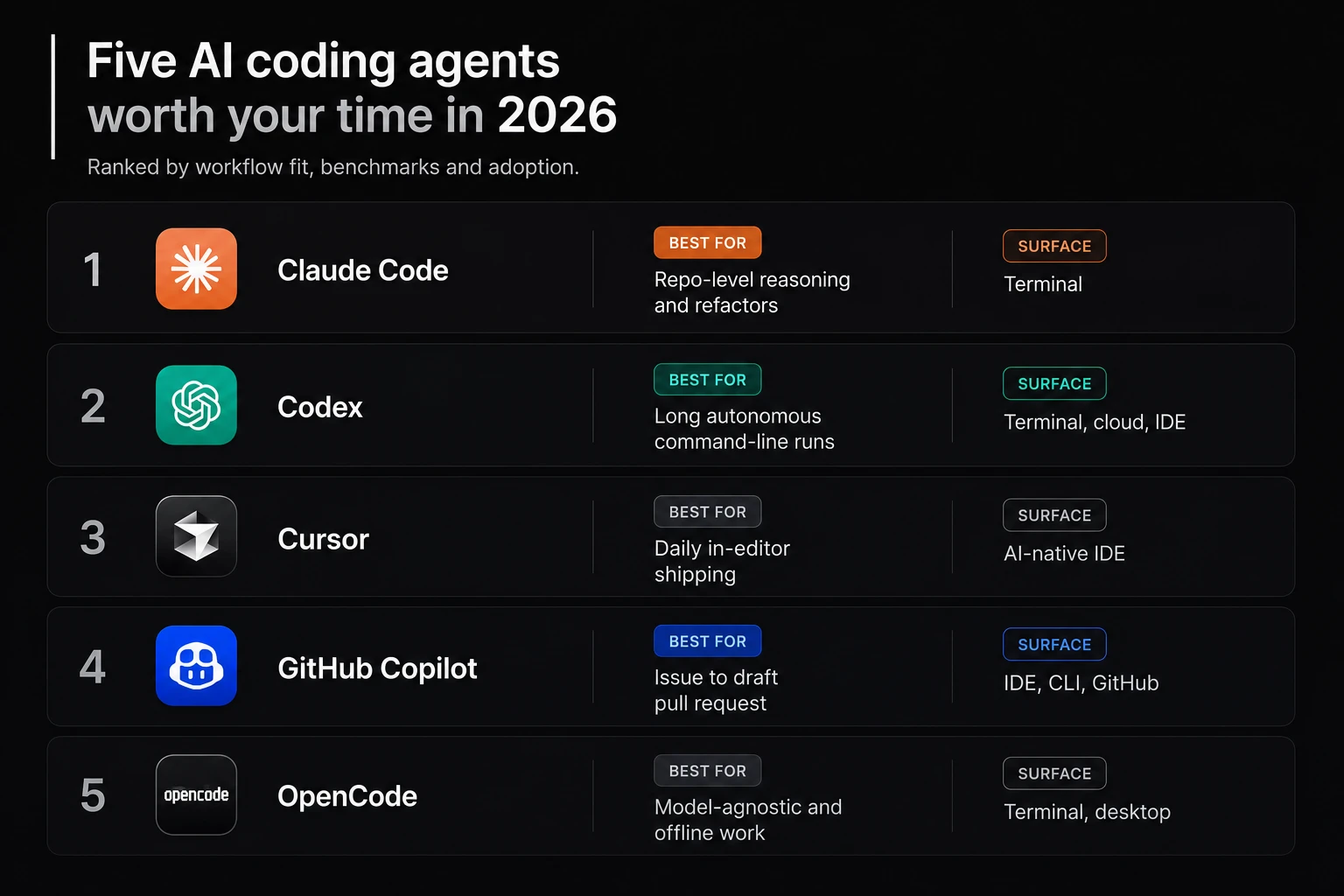
One caution runs through all of it. Most published coding benchmarks are vendor-run, and harness choice alone moves the same model by 10 to 26 points. Read every number below as a range, not a score. Where a vendor figure is the only figure available, this list says so.
1. Claude Code
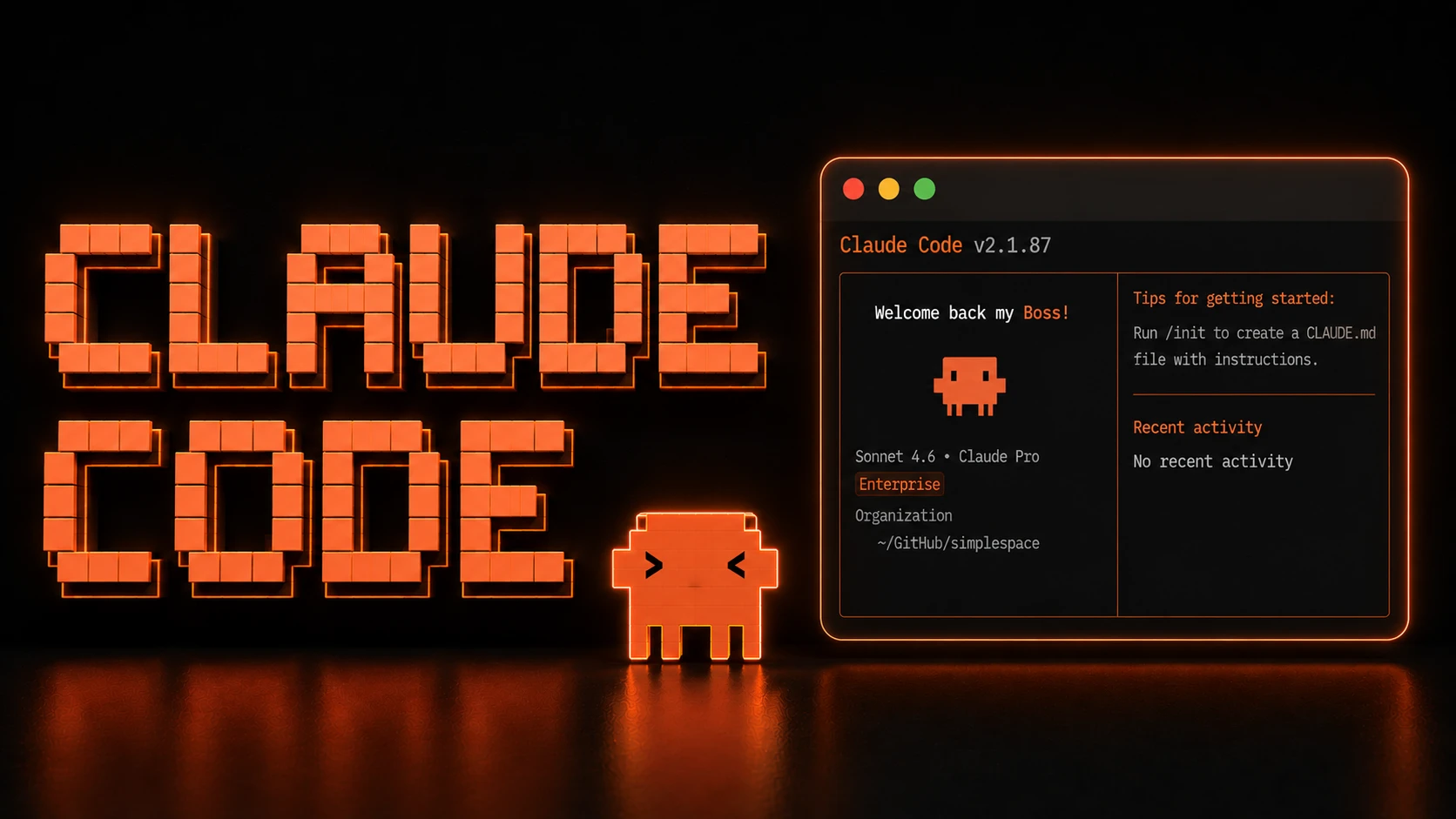
Claude Code is Anthropic's terminal-native coding agent for reading repositories, editing files, running commands, and managing Git workflows through natural language.
Its biggest advantage is delegation control. Subagents can use different models and reasoning levels, each working in its own context window before returning a concise summary. That keeps large projects manageable without overwhelming the main session.
It also leads SWE-bench Pro (69.2%), making it the strongest choice for repository-level reasoning and multi-file refactors.
The only notable trade-off is terminal automation. Anthropic hasn't published a Terminal-Bench score for Opus 5, while Codex currently leads long autonomous command-line workflows.
2. Codex
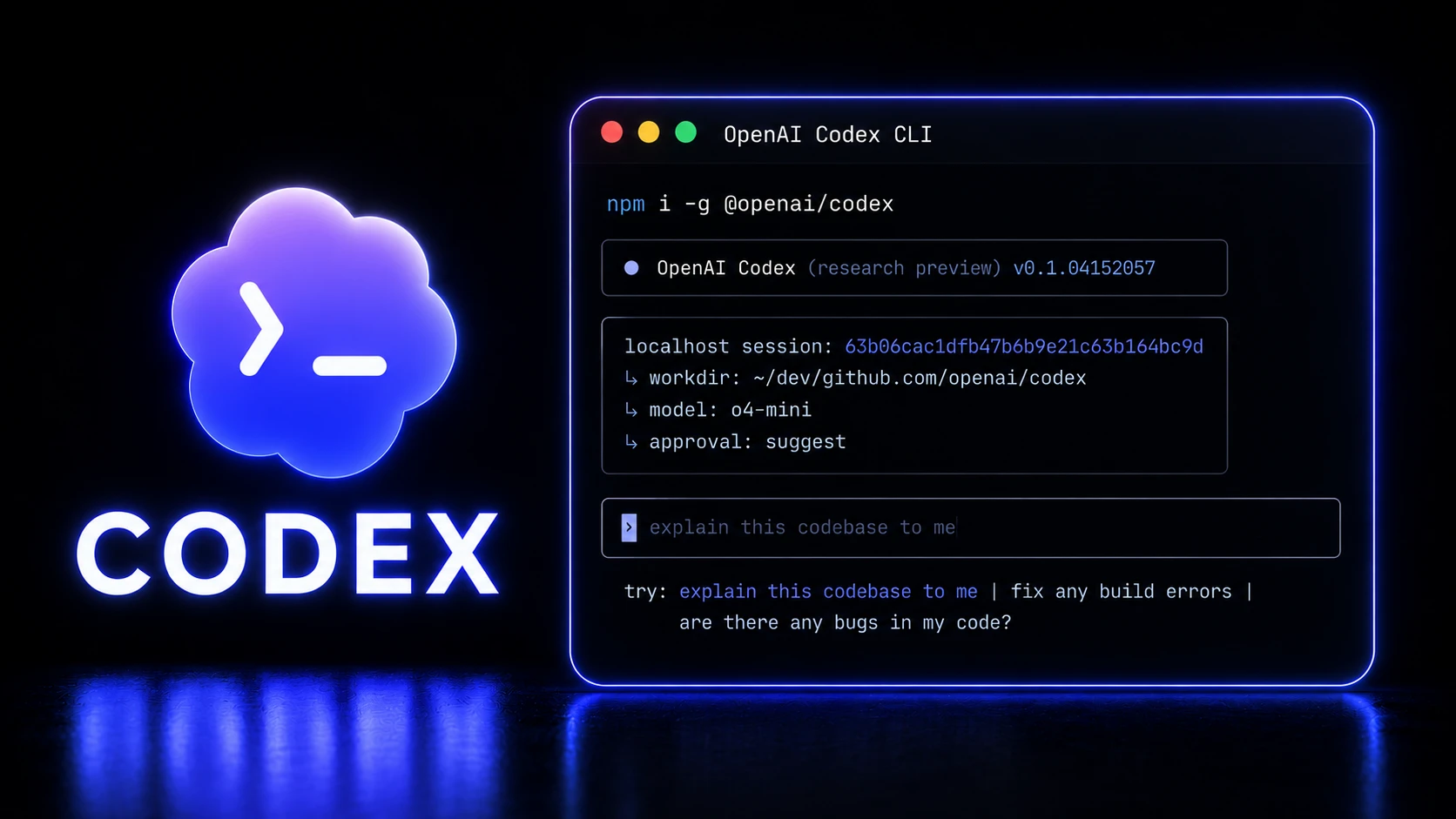
Codex is OpenAI's AI coding agent, available through ChatGPT, a desktop app, an open-source CLI, IDE extensions, and cloud-based task delegation. Powered by the GPT-5.6 family, it offers one of the broadest coding workflows available today.
Its biggest strength is terminal automation. Codex leads Terminal-Bench 2.1 with 88.8% (or 91.9% in Ultra mode), making it the strongest choice for long command-line workflows. Features like multi-agent worktrees, AGENTS.md instructions, and scheduled background tasks further improve large-scale development.
Over 5 million developers use Codex every week. The main trade-off is repository reasoning, where it trails Claude Code on SWE-bench Pro (64.6% vs. 69.2%). If terminal execution is the priority, choose Codex. If deep repository understanding matters more, Claude Code has the edge.
3. Cursor
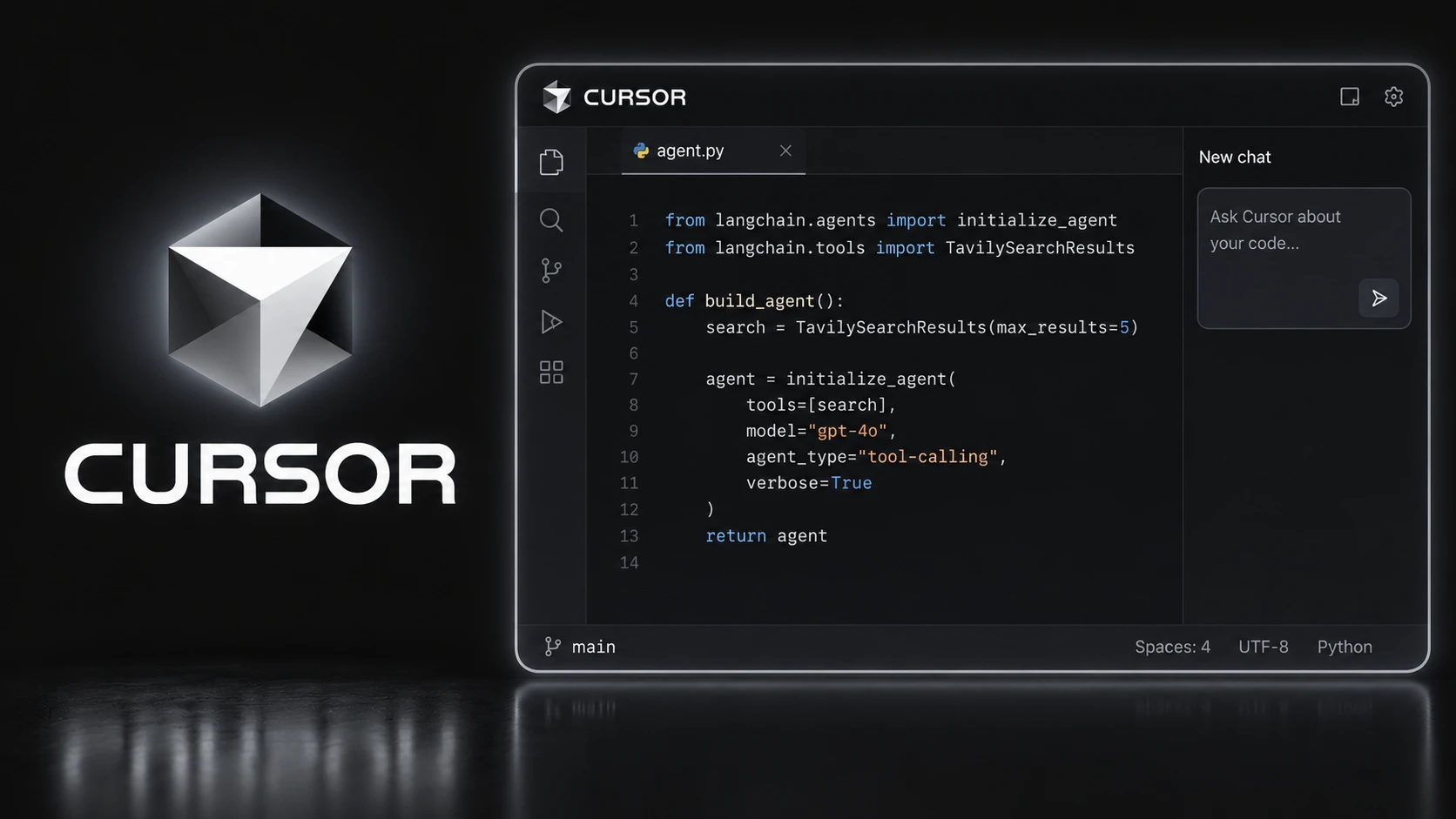
Cursor is an AI-native code editor built on VS Code, designed for developers who want AI integrated directly into their editing workflow rather than delegated to a terminal.
Its biggest strength is the editing experience. AI is built into every part of the IDE, while models like Composer and Grok sit alongside leading third-party models in a single interface. Cloud agents can also work in isolated VMs and connect with GitHub, Slack, the web, and mobile.
Cursor is also one of the fastest-growing developer tools, with $2 billion in ARR and an expanding portfolio of in-house models. The trade-off is automation. For long-running terminal workflows and CI-heavy tasks, terminal-first agents like Codex and Claude Code remain a better fit.
4. GitHub Copilot
GitHub Copilot is Microsoft's AI coding assistant and the most widely adopted agent on this list. For teams already using GitHub, it offers the easiest path to integrating AI into existing development workflows.
Its biggest strength is ecosystem integration. The Copilot Coding Agent can turn GitHub issues into draft pull requests, while Agent Mode works across VS Code, JetBrains, Eclipse, Xcode, and Neovim. It also supports models from OpenAI, Anthropic, and Google, giving teams flexibility without changing tools.
Starting at $10/month, Copilot is also the most affordable major coding agent. The trade-off is reasoning depth. It isn't the strongest performer on complex coding tasks, but its broad IDE support, governance features, and enterprise adoption make it an excellent default choice.
5. OpenCode
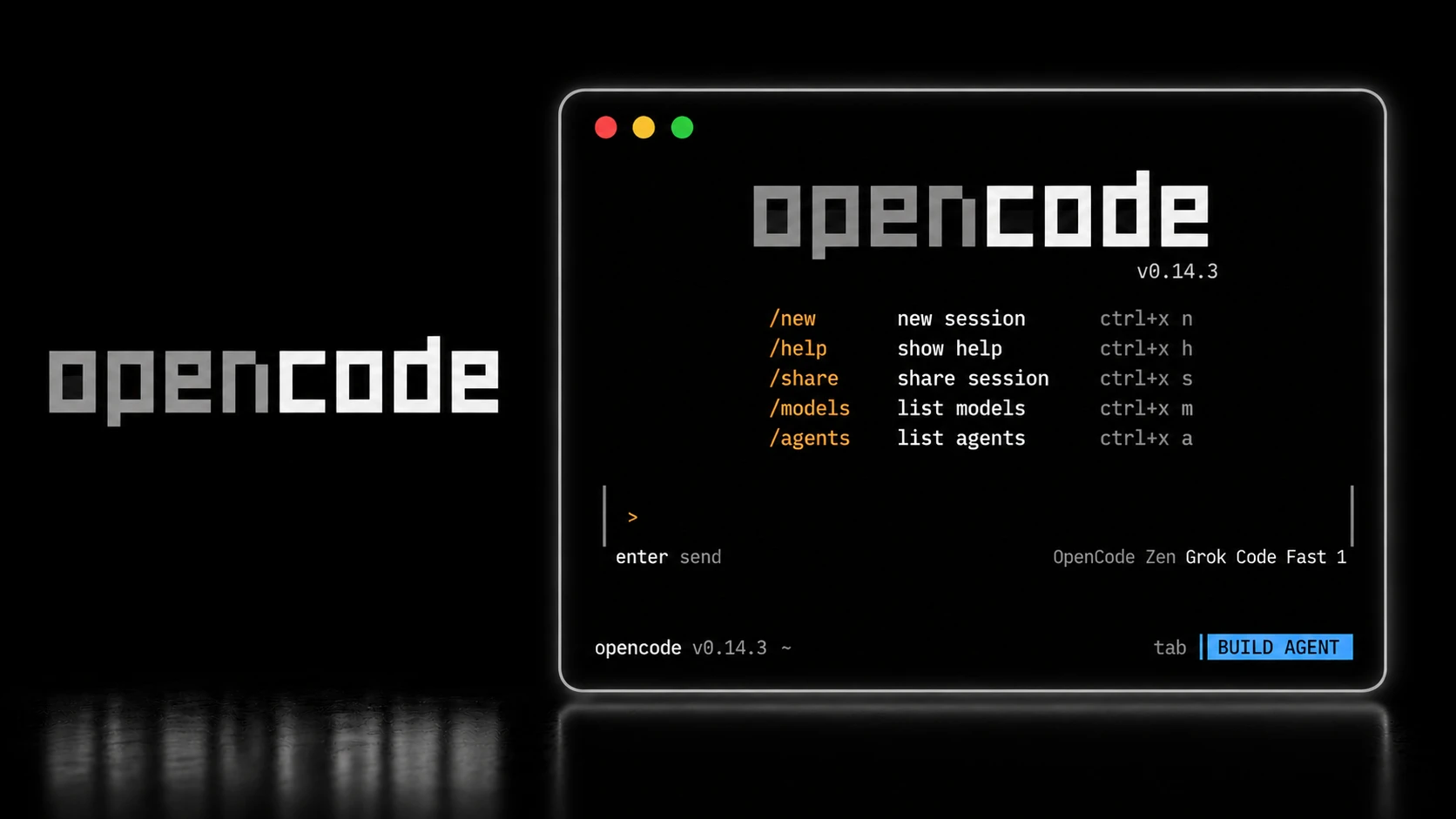
OpenCode is an open-source AI coding agent from the team behind SST. Built in Go with a terminal-first interface, it is provider-agnostic and supports over 75 AI model providers, including fully local models through Ollama.
Its biggest strength is flexibility. A dual-agent architecture separates planning from execution, while support for MCP, the Language Server Protocol (LSP), and local models makes it highly customizable for different workflows. It also integrates directly with GitHub Copilot for paid subscribers.
The biggest advantage, however, is offline development. OpenCode is the only agent on this list that can run entirely on local models, making it the best choice for privacy-conscious teams and organizations with strict security requirements. The trade-off is a steeper setup and fewer polished enterprise features than commercial alternatives.
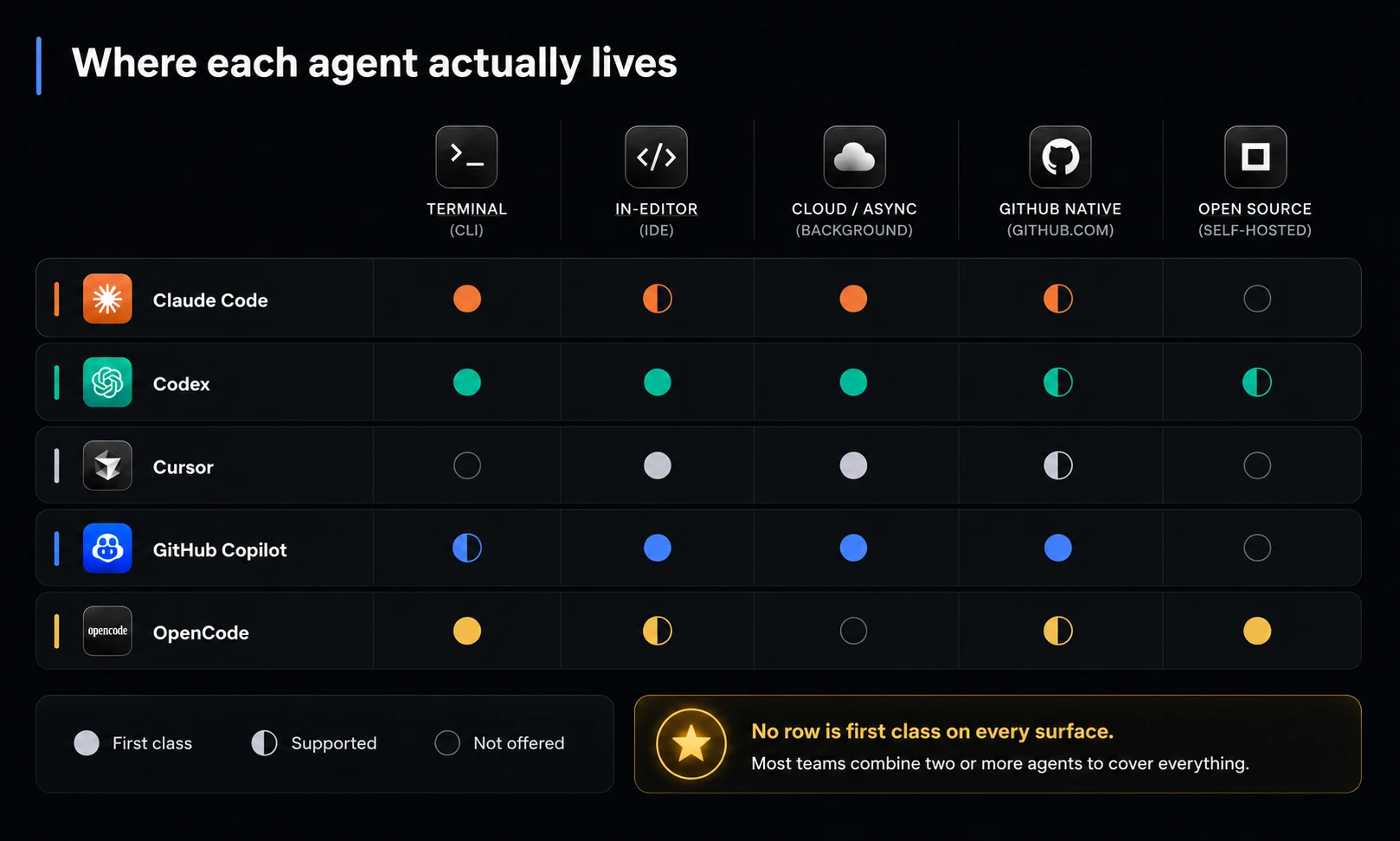
This infographic would assist with making the choice based on the infrastructure you’re interested in.
What the Benchmarks Actually Say
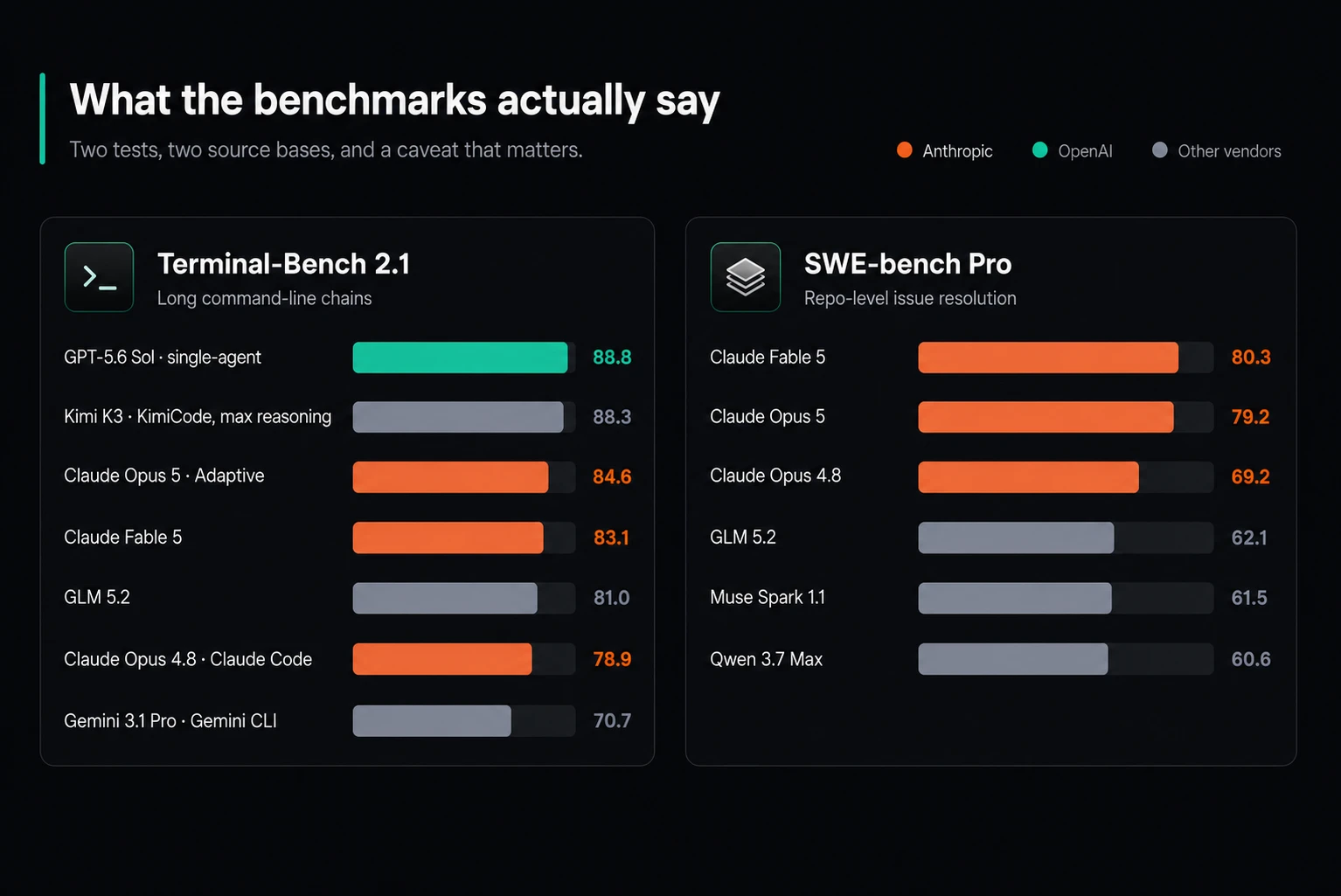
Two tests, two different winners.
Terminal-Bench 2.1 measures long command-line chains. SWE-bench Pro measures repository-level issue resolution. They rank the same tools differently, and that is the most useful thing about them.
Read the numbers with care. Several are vendor-run. Moonshot's own Kimi K3 table mixes harnesses, and the company acknowledges K3 still trails the leading proprietary models overall. Anthropic published no Terminal-Bench figure for Opus 5, so any direct comparison on that axis is an inference rather than a result.
The practical version: pick the benchmark that matches the work you actually do, then ignore the other one.
Conclusion
There is no single best AI coding agent in 2026. The five tools in this list represent different workflows, not a universal leaderboard. Choose based on your primary constraint: terminal automation, repository reasoning, IDE experience, GitHub-native collaboration, or offline development. Then evaluate the benchmarks that reflect your work, not just the ones vendors highlight.
If you're still unsure which agent fits your stack, or want deeper comparisons, hands-on guides, and practical AI engineering resources, explore more at JoinOasis.
Frequently Asked Questions
1. What is the difference between an AI coding assistant and an AI coding agent?
An assistant suggests completions when prompted. An agent plans multi-step tasks, edits files across a codebase, runs tests, manages git and opens pull requests with limited human direction.
2. Which AI coding agent is the most accurate?
It depends on the task shape. Codex leads Terminal-Bench 2.1 at 88.8 percent for long command-line work. Claude leads SWE-bench Pro at 69.2 percent for repository-level issue resolution. No agent leads both.
3. Can I use more than one coding agent at once?
Yes, and most professional teams now do. A common setup pairs a terminal agent for hard refactors with an in-editor agent for daily work and one cloud delegate for background tasks.
4. Are there good free or open-source options?
Several. OpenCode is fully open source and runs offline on local models. Gemini CLI offers free frontier access with a 1 million token context. GitHub Copilot has the most useful free tier for in-editor completions.