
Writing another email is rarely the hardest part of launching a campaign. The slower work is connecting the audience, content, channels and follow-up rules without losing control of what customers receive.
These five agents can create or change real campaign objects, rather than simply suggest copy. Their autonomy varies sharply. Salesforce can make ongoing delivery decisions after activation; other options focus on building work that a marketer reviews and launches. Choose the handoff you need before comparing the demos.
TLDR: Salesforce leads in ongoing campaign execution, while HubSpot, Adobe, Braze, and Optimove focus on building and editing campaigns with human oversight before launch.
1. Salesforce Campaign Agent
Best for: Marketing Cloud teams ready for ongoing decisions within campaign guardrails.
Campaign Agent turns marketing goals into active campaigns, managing audiences, content variants, channels and delivery timing based on customer responses. Unlike drafting tools, it continues making campaign decisions after activation, adapting execution as customers engage across supported channels.
Setup requires Marketing Cloud access, configured Data 360 and supported channels. Additional usage may cost extra. Keep activation subject to approval, provide distinct content variants, and configure audience exclusions, messaging limits and conversion signals. Verify your Salesforce edition's entitlements before deployment.
Try this: Salesforce Campaign Agent
5. Oasis for Marketing
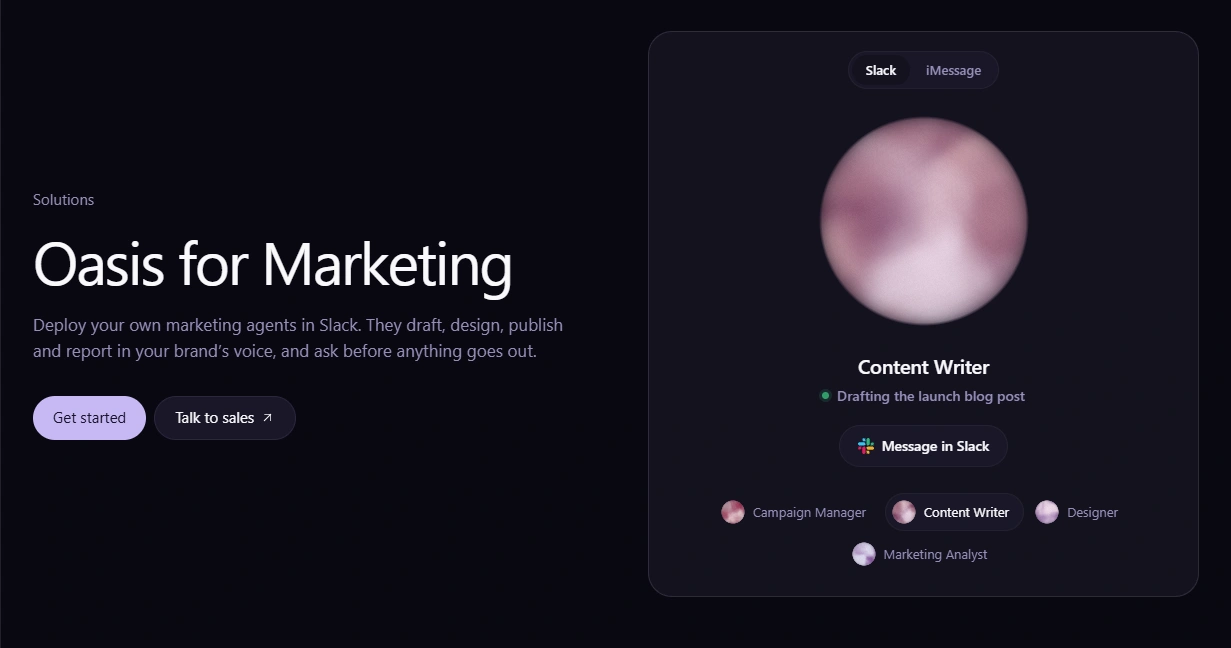
Best for: Marketing teams that want coordinated AI teammates for campaign creation, publishing and reporting.
Oasis for Marketing brings specialized AI teammates into Slack to handle campaign planning, content writing, design and performance reporting. Its Campaign Manager, Content Writer, Designer and Marketing Analyst work together using brand context, helping teams move from campaign briefs to deliverables without coordinating every step manually.
The agents can draft, design, publish and report through connected workflows, while requesting approval before anything goes live. Teams can interact with them directly in Slack or iMessage. Configure the relevant integrations, establish brand guidelines and review campaign outputs before approving publication.
Try this: Oasis for Marketing
3. Adobe Journey Agent
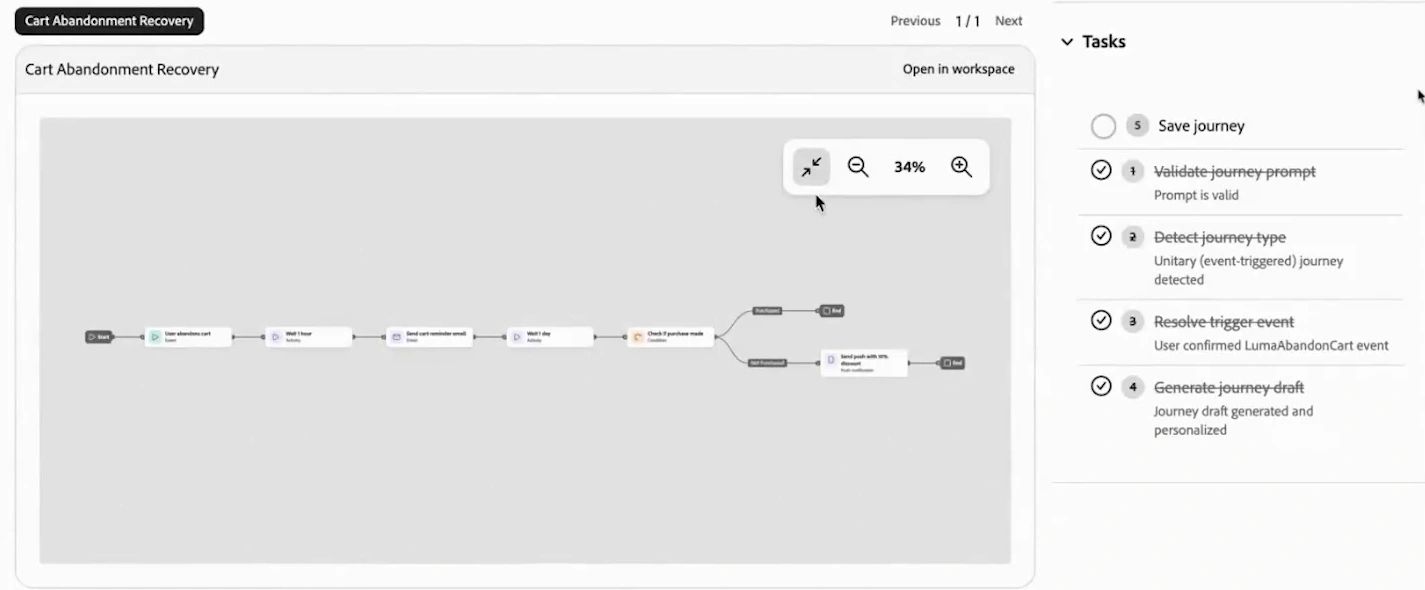
Best for: Journey Optimizer teams building branching customer journeys.
Adobe Journey Create transforms natural-language instructions into configured journeys within Journey Optimizer, connecting events, audiences, messages, delays and conditional branches. It reduces manual setup by generating actual journey structures rather than diagrams, and is also available through Adobe Coworker skills.
Access requires Manage Journeys permissions and visibility into relevant events, actions and segments. Some configuration remains manual, including A/B testing and custom-action mapping. Channel Content Create requires separate access. Review generated expressions and test journey branches before publishing to ensure correct execution.
Try this: Adobe Journey Agent
4. BrazeAI Operator
Best for: Braze teams that want an agent to make inspectable changes in the dashboard.
Braze Operator creates and updates campaigns, Canvas flows, audience settings, message content and delivery configurations directly within Braze. It also supports segmentation and Liquid personalization, reducing manual dashboard work. Proposed changes appear as action cards, allowing users to review modifications before approving execution.
Operator follows existing Braze permissions and offers optional auto-approval for supported actions. However, launching campaigns or Canvases requires human intervention. Some unsupported actions fall back to instructions. Check workspace access, usage limits and saved changes before considering a task complete.
Try this: BrazeAI Operator
5. HubSpot Campaign Agent
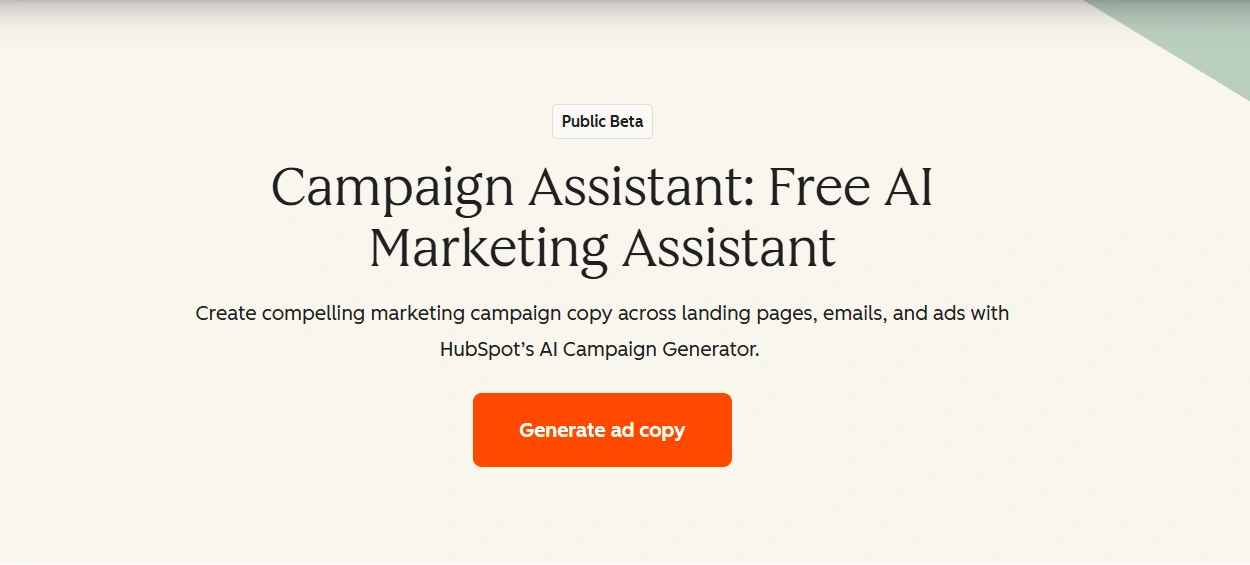
Best for: HubSpot marketers coordinating campaign assets and automation from a brief.
HubSpot Campaign Agent works inside Marketing Studio, turning campaign briefs into connected assets using CRM data, brand inputs and campaign context. It drafts landing pages, forms and marketing emails while helping build supporting automations, reducing manual campaign assembly.
The agent requests clarification, but marketers review and approve assets before publication. Currently in beta for Marketing Hub Professional and Enterprise, it requires enabled AI settings and Marketing Studio access. Some features consume HubSpot Credits. Check availability, supported components and usage limits before rollout.
Try this: HubSpot Campaign Agent
Choose where you want the agent to stop
If the job is ongoing delivery decisions, evaluate Salesforce’s activated campaign workflow. If the bottleneck is assembling assets, start with HubSpot. Adobe fits journey structure, Braze fits visible dashboard changes, and OptiGenie fits native campaign preparation in Optimove.
Run the first evaluation without customer sends. Ask each agent to complete the same bounded brief, then count the manual repairs needed to make it launch-ready. The winning demo should leave you with correct campaign objects and a clear approval boundary, not just convincing copy.
Frequently Asked Questions
Do all these agents launch campaigns automatically?
No. Several build or edit drafts while a person retains publishing or launch control.
Which option makes ongoing delivery decisions?
Salesforce Campaign Agent can optimize activated campaigns within configured goals, channels, content choices and guardrails.
Is HubSpot Campaign Agent available on every plan?
No. It is a beta for Marketing Hub Professional and Enterprise, with required AI settings and possible credit usage.
What should you test before launch?
Check audience exclusions, consent, links, personalization, timing and approval settings using a bounded draft or test journey.