

The best ChatGPT alternative depends on what you want to change: clearer writing, answers with sources, a useful free assistant, or an AI workspace your team can use.
Some alternatives replace the familiar chat window. Others put AI inside your documents, offer several model providers, or help people work with agents together. Each solves a different problem.
These eight ChatGPT alternatives cover distinctive workflows, practical tasks and the access limits that matter before you commit.
1. Claude for writing and working on an actual deliverable
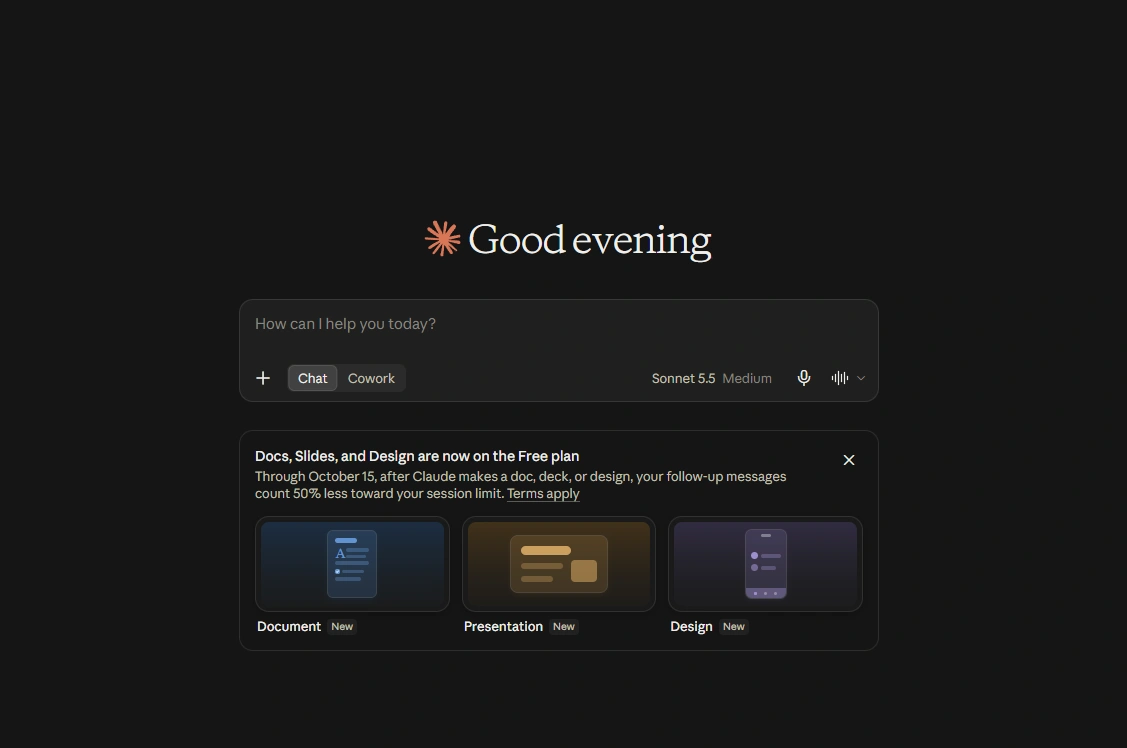
Claude's example turns attached files into a presentation and keeps the result in the conversation.
Try Claude when your conversation should become an editable document, presentation, design or interactive tool. Artifacts open beside the conversation, keeping the result close to your discussion.
Give Claude a product brief and customer notes, ask for a proposal, then highlight a weak section and request a revision. You can edit supported documents directly. Projects keep related material and instructions together.
The Free plan includes Artifacts and web search. Pro costs $20 monthly, with an annual option, and adds more usage, Claude Code and other advanced features.
The catch is capacity. Paid usage has session and weekly limits, and activity across Claude chat, desktop and Claude Code shares the allowance. A busy coding session can affect how much writing you can do afterward.
Best for: People turning long discussions and source material into editable work.
2. Gemini for Google workflows and flexible Canvas output
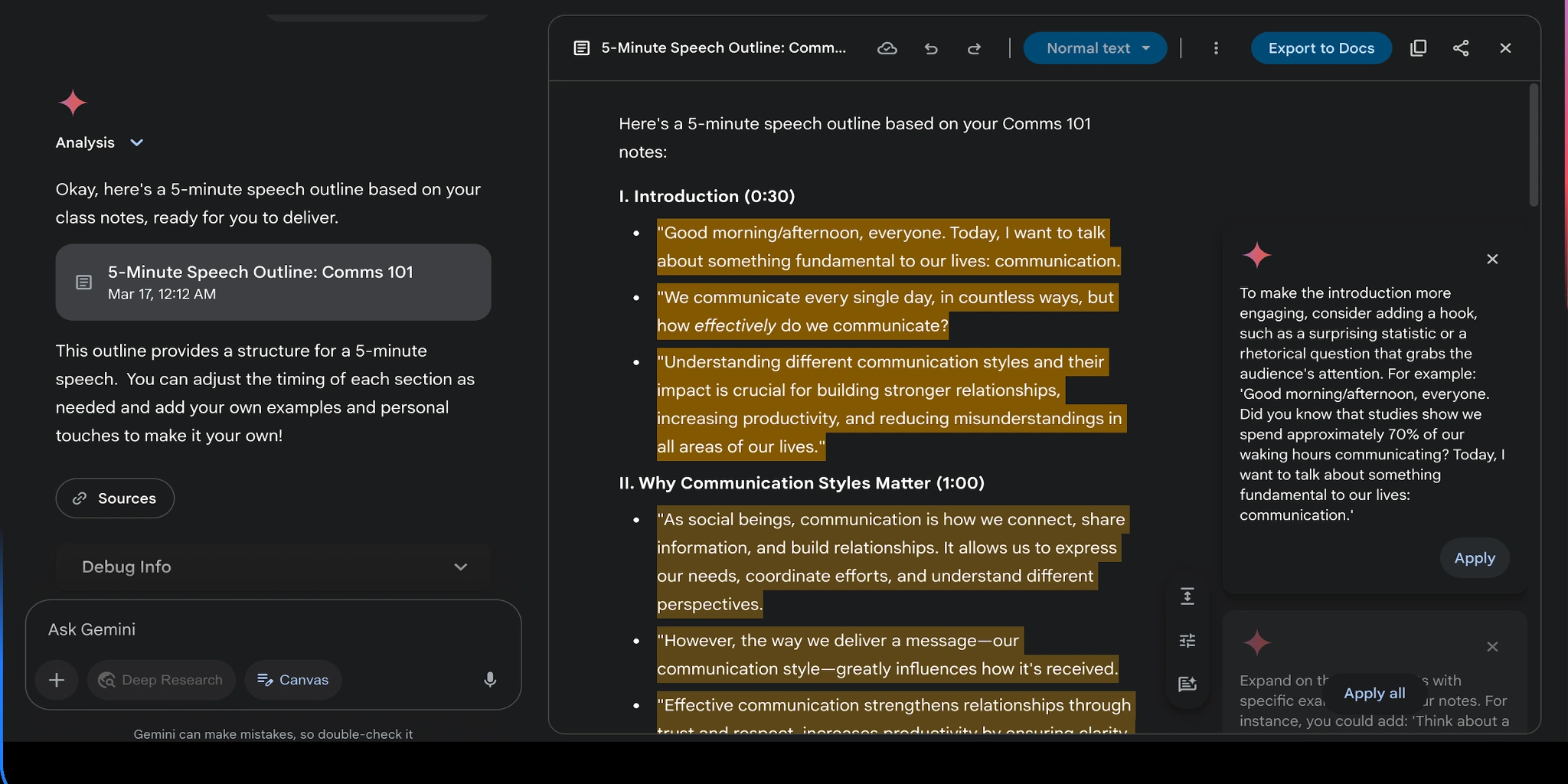
Gemini's Canvas example starts with a sketch and a request to turn it into an app.
Gemini fits work that revolves around Google. Connected Apps bring relevant Google content into a conversation, while Canvas provides a separate space for documents, code, slides and interactive apps.
Ask for a Deep Research report on a prospective market, inspect its sources, then develop the findings in Canvas. Edit a section, change its tone, and export to Google Docs. The appeal is the path from investigation to a usable document.
You do not need a paid Google AI plan to try Canvas or Deep Research. Google AI Plus, Pro and Ultra expand access, with different allowances and additional features.
Gemini uses compute-based limits affected by model, task complexity and conversation length. Research and media consume more, and free access can tighten during high demand. Old daily-prompt counts can mislead.
Best for: Google users who want research and editable output in the same workflow.
3. Perplexity for answers you can trace to sources
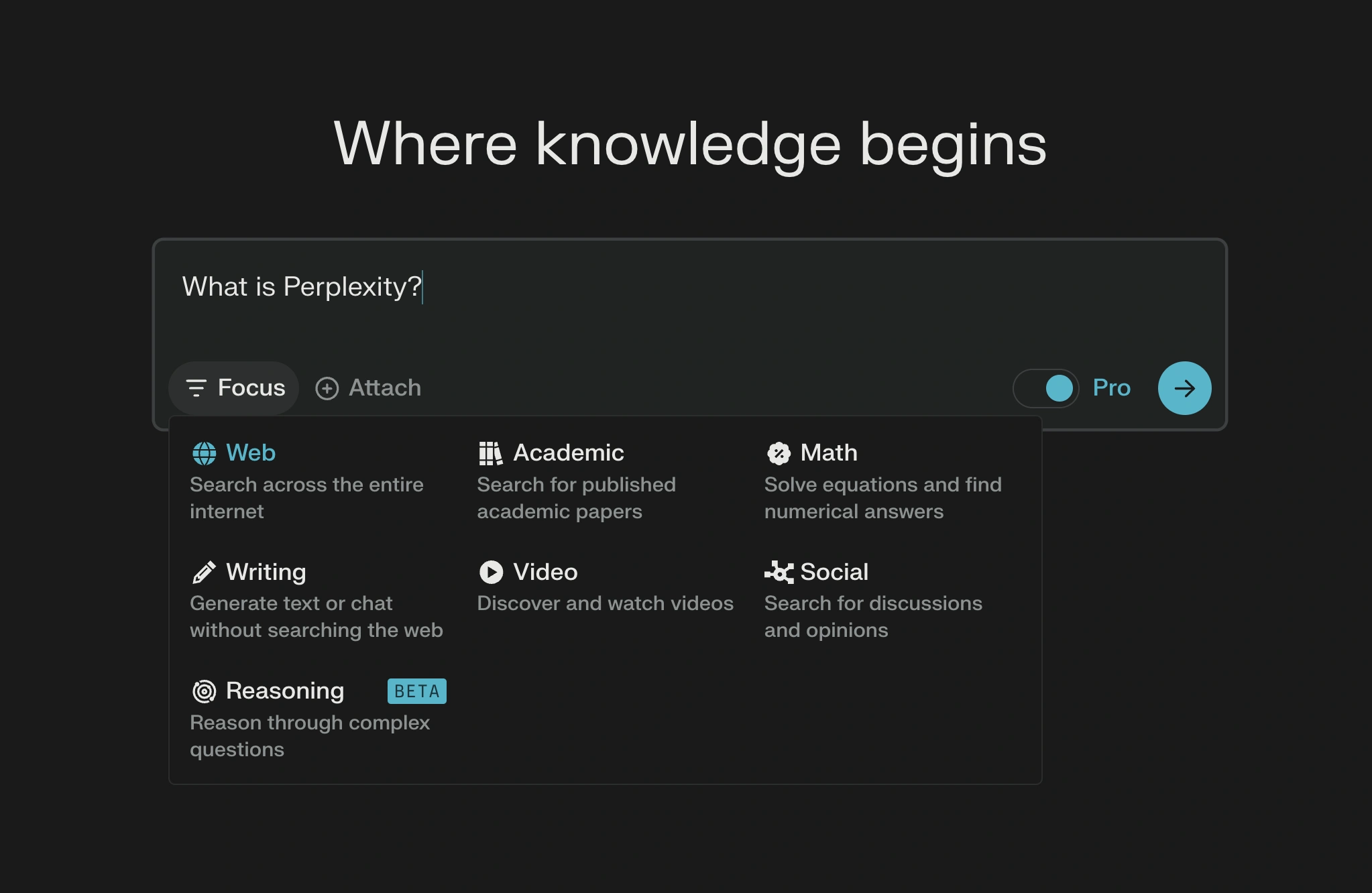
Perplexity's travel example keeps the question, answer cards and Sources option together.
Perplexity puts the research trail close to the answer. Use its search-led experience to find current information, follow citations and investigate further.
Compare three project-management tools on guest access, reporting and export options, with supporting sources. Open the original pricing and help pages before using the answer in a buying decision. The assistant organizes your investigation while keeping the evidence inspectable.
The free Standard plan offers basic searches, limited uploads and a small amount of advanced searching. Pro adds access to advanced models, more file analysis, and other creation features. Research and premium functions still have their own allowances.
The important limit is evidence quality. A citation gives you somewhere to check; it does not guarantee that the page supports every sentence beside it. Check dates, plan names and the exact passage behind a consequential claim.
Best for: Current information, vendor comparisons and research that needs a visible source trail.
4. Microsoft Copilot for everyday help and Microsoft 365 work
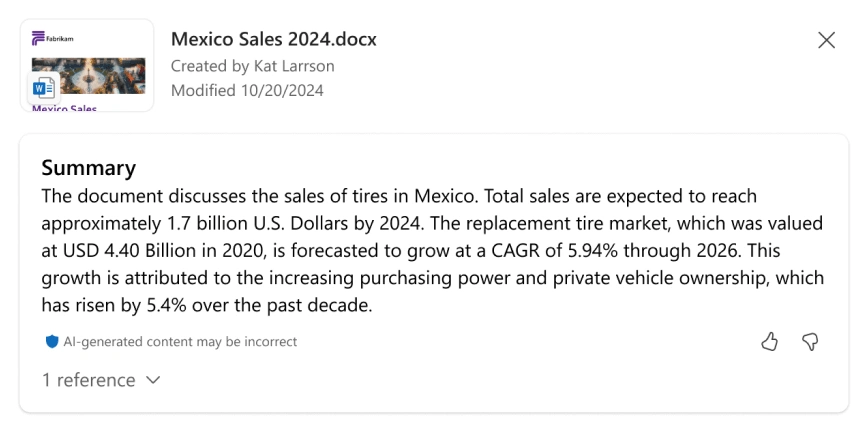
Microsoft Copilot's personal assistant starts from a conversational text or voice input.
Microsoft Copilot offers a free conversational assistant and a route into familiar Microsoft apps. Their access conditions differ.
In the personal assistant, Search mode gathers web answers with citations. Study and learn explains topics; Think Deeper spends more effort on a question. Compare two approaches to a project, then ask for a short decision memo.
If your real task is editing a Word document or drafting inside Outlook, check the Microsoft 365 experience instead. Eligible paid individual plans include Copilot in those apps and higher usage for some features.
The free chat does not automatically include every Microsoft 365 capability. Features vary by plan, device and account type. Another easily missed detail: Microsoft 365 Family shares several subscription benefits, but its Copilot AI benefits are for the subscription owner. That matters if you are buying it for several people.
Best for: Everyday assistance and users who want AI inside familiar Microsoft apps.
5. DeepSeek for a free assistant with thinking and search
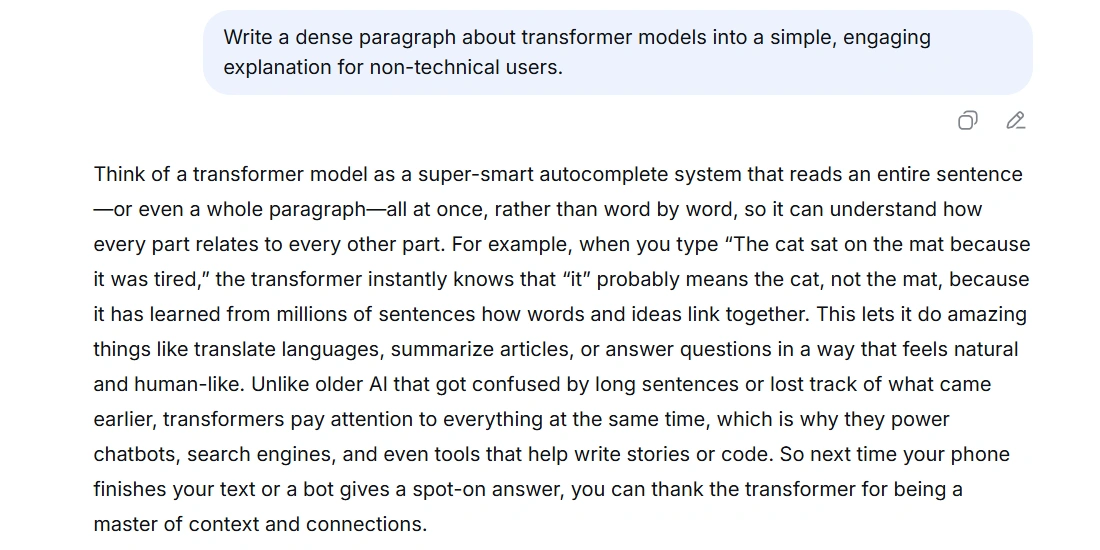
DeepSeek's example shows a question, its Thinking section and the web pages found during the search.
DeepSeek lets you try another assistant without starting a subscription. Its official app is free, with web search, a thinking mode, file upload and text extraction.
Upload a short project specification and ask it to identify conflicting requirements and suggest a question for the owner. For coding help, supply a small function and request an explanation plus edge cases you can check.
A long reasoning response is not proof that the conclusion is right. Check the conflict against the document or run the suggested code examples.
Keep the access routes separate. Free access to DeepSeek’s assistant does not make the developer API free: API requests are billed by token usage. Running a model yourself also brings infrastructure and maintenance costs. Choose the route you actually need.
Best for: Trying free reasoning, document questions and focused coding help.
6. Mistral Vibe formerly Le Chat for chat and delegated work
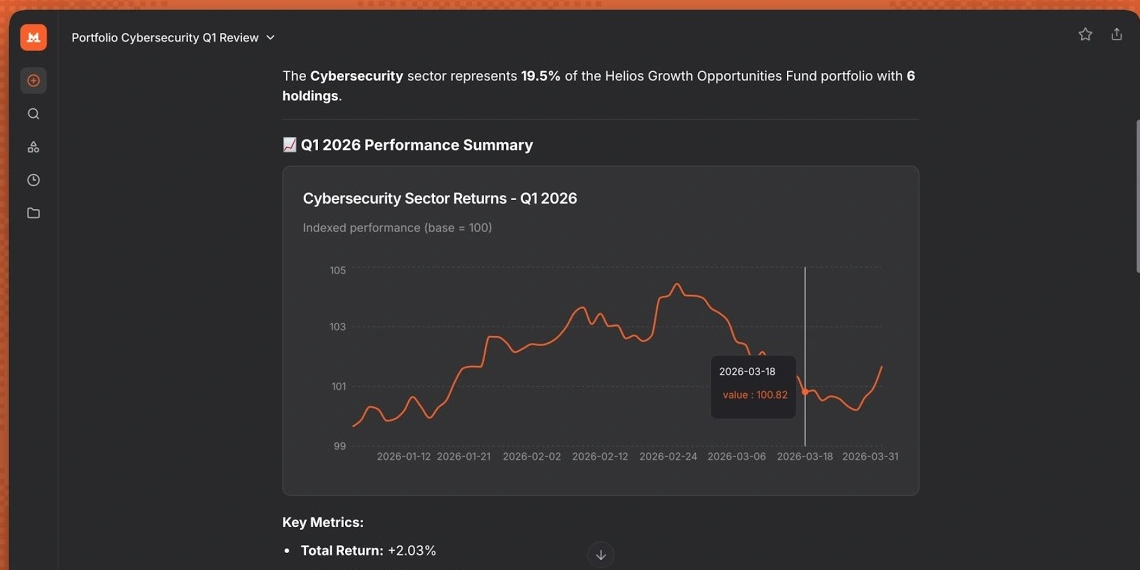
Mistral Vibe's example pairs a robotics question with a response and its web-search sources.
Mistral Le Chat is now Vibe. Existing accounts, conversations and plans carry over. Chat mode remains, alongside Work and Code modes for broader tasks.
Vibe Work uses your information and tools for research, meeting briefs, documents and work between systems. Consider it when a question is only the first step of the job.
Try preparing for a client meeting. Supply the proposal and your previous notes, then ask for a one-page brief covering agreed scope, unresolved questions and talking points. Connect relevant sources when you want the brief to use information outside the files you supplied.
The Free plan covers quick answers, web search and simple tasks. Pro expands into agents and longer assignments; Team adds a shared workspace and administration. Check the usage budget for sustained work and whether the connections you need are supported before choosing a plan.
Best for: Users who want a Mistral assistant that can grow from chat into work tasks.
7. Poe for trying several AI models through one account
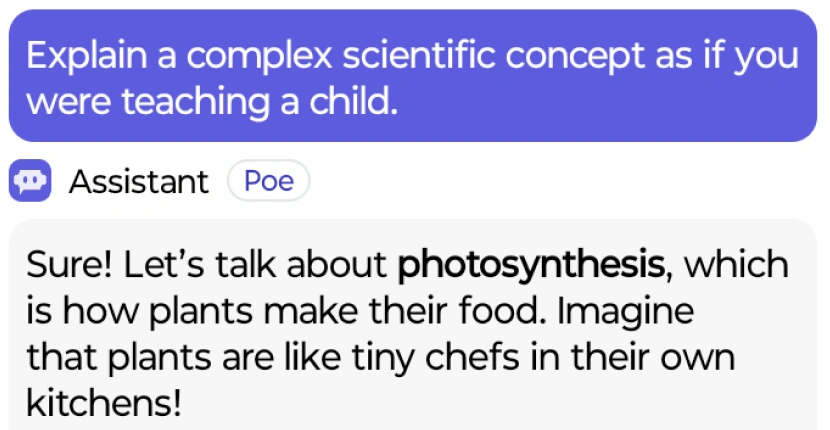
A Poe assistant responds to a request to explain photosynthesis in language a child can understand.
Poe lets you compare assistants through one account. It offers official bots from OpenAI, Anthropic and Google, alongside community-created bots and media tools.
Give the same customer email and reply instructions to two or three bots. Compare factual accuracy, tone and how much editing each reply needs. Check the bot’s description and provider so you know what you are comparing.
Access runs on compute points. Free users receive points that renew daily; subscriptions provide larger allowances and access to additional bots. Different bots charge different amounts, and some costs depend on how much text the bot reads and writes.
That makes “messages per month” a poor way to compare Poe with a conventional subscription. A long conversation or expensive model can consume your balance faster. Check the bot’s Rates and set a per-message budget before a substantial task.
Best for: Exploring and comparing several model providers in one place.
8. Oasis for people and agents working together
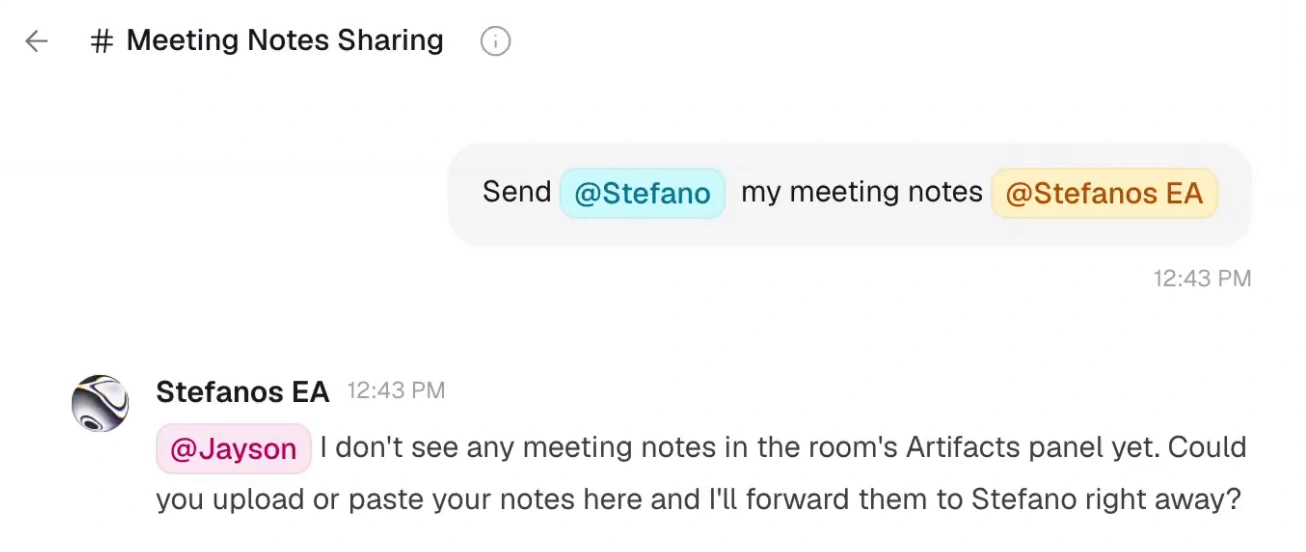
An Oasis room addresses a colleague and his agent; the agent asks for the notes needed to continue.
Oasis addresses shared work. Its role differs from a standalone chatbot: rooms bring people and agents into group conversations with common context.
People and agents can work live on a document, spreadsheet or codebase, with shared agents and memory of decisions and tasks. Local and cloud agents can work in the same rooms.
For a launch team, one person supplies the brief, another corrects the positioning, and agents help research and draft. A shared artifact and decision record give the next assignment the team’s context.
Access is currently through an early-access waitlist. Confirm availability and what is included for your team before planning a rollout. Choose it for collaboration and coordination; assess a standalone assistant separately when all you need is an individual answer.
Best for: Teams coordinating people, agents and shared deliverables.
Which ChatGPT alternative should you choose
| Tool | Start here for | Check first |
|---|---|---|
| Claude | Editable writing and artifacts | Usage across chat and Code |
| Gemini | Google workflows and Canvas | Compute limits and account access |
| Perplexity | Current, cited research | Source quality and advanced allowances |
| Microsoft Copilot | Personal help and Microsoft apps | Which Copilot your plan includes |
| DeepSeek | Free thinking and document questions | Chat versus API costs |
| Mistral Vibe | Chat leading into delegated tasks | Free versus agent access |
| Poe | Several model providers | Bot rates and points budget |
| Oasis | Team and agent collaboration | Early-access availability |
Pick two options that address your actual bottleneck. Give them the same useful task, the same source material and the same output requirements. Then change a fact or ask for one targeted revision. The assistant worth keeping is the one that makes the result easier to finish, verify and hand over.
Frequently Asked Questions
What is the best free ChatGPT alternative?
Try DeepSeek for thinking and document questions, Gemini for Canvas, or Copilot for everyday assistance. Claude, Perplexity, Mistral Vibe and Poe also have free access, with different limits.
Is Claude or Gemini better than ChatGPT?
Try Claude for an editable deliverable and Gemini for Google-centered workflows. Compare the complete task, including revisions and export. Neither is a universal winner.
Can a ChatGPT alternative still use OpenAI models?
Yes. You are choosing an application as well as a model. Copilot uses OpenAI reasoning models for Think Deeper, and Poe offers OpenAI bots alongside other providers. Their interfaces, access and workflows differ from ChatGPT.
Which alternative should a team consider?
Consider Oasis when people need to collaborate with shared agents and artifacts; check its early-access availability. For an individual assistant used at work, compare the relevant team plans, permissions and usage terms of the provider you prefer.