
A project handoff rarely lives in one place. Slack has the decision, Drive has the approved brief, and the task that should have an owner is still a sentence in the meeting notes. Ask ChatGPT Work to “summarize everything” and you might get a neat recap that nobody can act on.
A Drive brief, Slack recap, or CRM follow-up needs different access and instructions. In this article, we cover 10 most used ChatGPT plugins for project management work, their direct install pages, practical prompts, and the setup details to check first.
TLDR: Use Linear for proposed or assigned issues, Slack for decisions from threads, Notion for a shared handoff page, Google Drive for source documents, and GitHub for release evidence.
How to install a ChatGPT plugin
- Open the plugin’s ChatGPT listing using a link below.
- Select Install plugin and sign in to ChatGPT if prompted.
- Connect the relevant service account and review the requested permissions.
- Return to your conversation, select the plugin with an @name mention, and describe the task.
Before you start: Check the listing’s included apps, skills, and account requirements. A listed capability still depends on your connected account and available permissions.
1. Linear for turning decisions into assigned issues
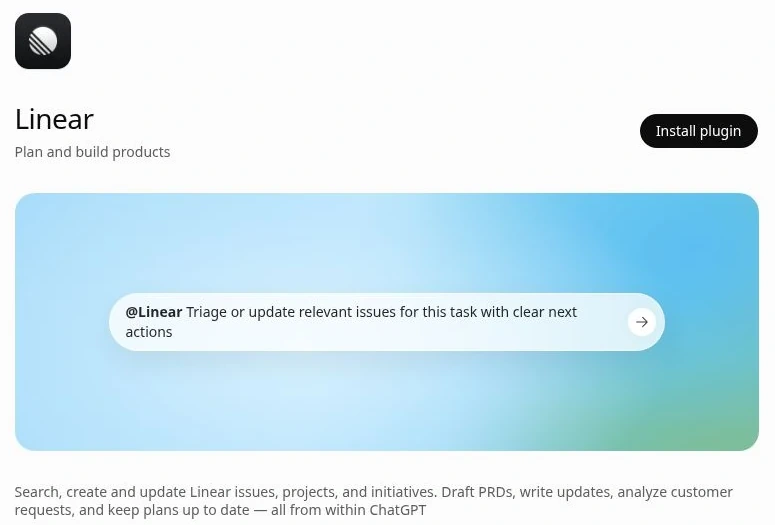
Best for: Converting project decisions into trackable tasks with clear ownership.
Linear’s ChatGPT plugin lets you search existing issues, create new ones, and update project work where permissions allow. For a handoff, ask it to check for duplicate tickets before proposing new ones. Keep deadlines empty when the source doesn’t specify them.
- Find existing issues and identify missing tasks from a project brief.
- Prepare issues with owners, acceptance criteria, and confirmed deadlines.
Try this prompt: @Linear Review the Harbor project for issues covering A1–A3. Identify missing tasks and draft new issues with owners, acceptance criteria, and deadlines where specified. Don't create anything yet.
Try this Plugin: Linear
2. Slack for recovering what the team actually decided
Best for: Recovering decisions and preparing replies from team conversations.
Slack’s ChatGPT plugin helps you work through channel discussions, summarize decisions, and prepare follow-up messages. Give it a channel and time window to narrow the search. For project handoffs, ask it to distinguish confirmed decisions from suggestions and include links to the original messages.
- Build a weekly recap with decisions, owners, and next steps.
- Draft responses to unresolved questions using the relevant conversation context.
Try this prompt: @Slack Review the Harbor launch channel from Monday through Friday. List confirmed decisions, blockers, and assigned owners with message links. Separate unapproved suggestions and draft a follow-up for unanswered questions.
Try this Plugin: Slack
3. Notion for a handoff the team can return to
Best for: Organizing project decisions, action items, and documentation in one workspace.
Notion’s ChatGPT plugin supports searching workspace content and creating or updating pages and database entries. Use it to turn an approved project brief into a handoff document containing decisions, responsibilities, and unresolved questions. Specify whether the output should be a page or database, and preview changes before saving.
- Prepare a handoff page with an action table and links to source documents.
- Organize project tasks by owner, status, and confirmed due date.
Try this prompt: @Notion Find the approved Harbor rollout plan. Draft a project handoff page containing confirmed decisions, three action items with owners, and unresolved questions. Include source links and leave unspecified deadlines blank. Don't publish the page yet.
Try this Plugin: Notion
4. Google Drive for anchoring a handoff to the approved brief
Best for: Retrieving project briefs, meeting notes, and the latest approved documents.
Google Drive’s ChatGPT plugin provides access to connected Drive files, including Docs, Sheets, and Slides. Give it a project folder and identify the approved source before asking for a summary. For handoffs, request document links alongside important decisions and deadlines so teammates can verify the information.
- Compare meeting notes against an approved rollout plan to identify changes.
- Extract action items, owners, and deadlines from project documents.
Try this prompt: @Google Drive Review the approved rollout plan and November 25 meeting notes in the Harbor release folder. Summarize confirmed decisions, owners, and deadlines with source links. Flag conflicting versions and missing information.
Try this Plugin: Google Drive
5. GitHub for checking what is ready to ship
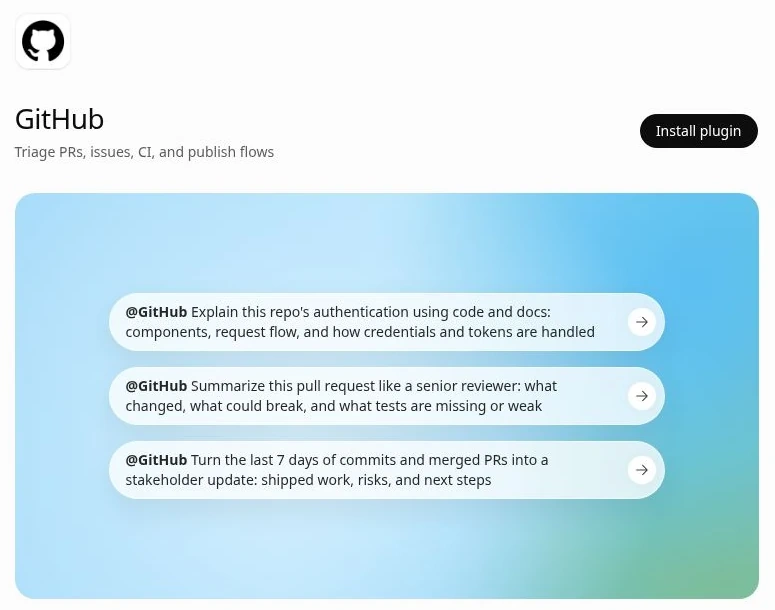
Best for: Tracking pull requests, code changes, and release readiness.
GitHub’s ChatGPT plugin helps inspect repository activity, pull requests, issues, and CI results. Use it to check whether the engineering work mentioned in a handoff has actually been completed. Ask it to distinguish merged code from successful checks and verified deployments, since those are separate stages of a release.
- Review pull requests and identify unresolved checks or review feedback.
- Prepare an engineering status summary with links to relevant PRs.
Try this prompt: @GitHub Review the Harbor release pull requests. For each PR, report its merge status, review state, and verifiable CI results with links. Identify blockers and mark deployment status unknown unless repository evidence confirms it.
Try this Plugin: GitHub
Where Oasis fits
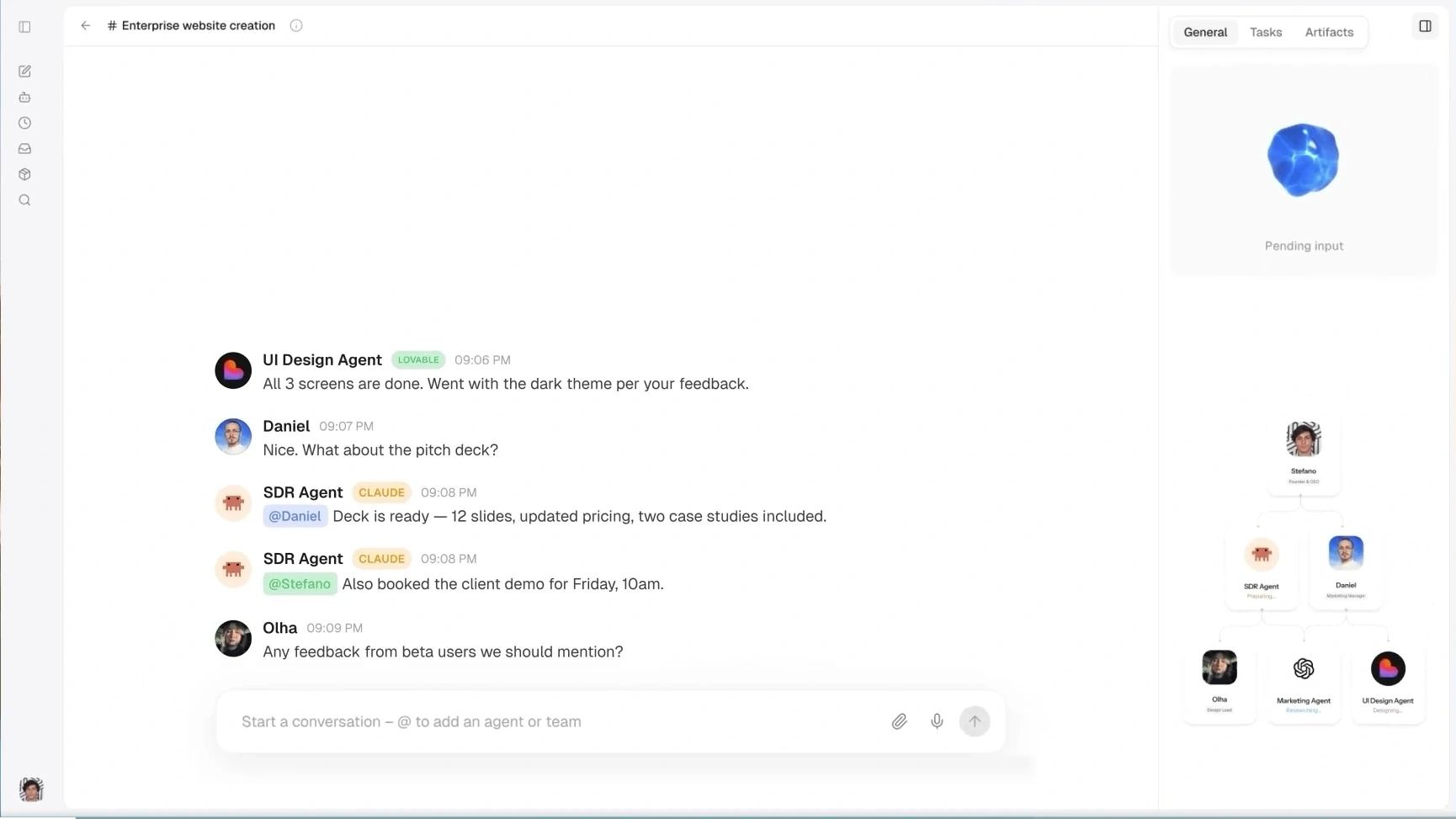
Once the work involves several teammates and agents, shared context matters. Oasis brings them into a room where they can work on the same files and keep decisions, tasks, and project context together. A useful next step is to bring a plugin-assisted brief or plan into that shared workflow for review and follow-through.
Turn a meeting recap into a team handoff
After a work plugin helps prepare a recap, try the Meeting Notes to Actions teammate. Give it the approved notes and ask for a reviewable handoff:
Separate confirmed decisions from discussion. List each action with its owner, the deadline only if one was stated, and a supporting quote from the notes. Mark missing owners or dates as unknown. Draft tracker updates for review; do not create tickets or send messages yet.
Compare the handoff with the original notes, then connect the tracker your team uses and review the proposed changes. Oasis for Teams explains how to share agents and control their access. You can test this with one recurring meeting before moving a larger workflow.
Frequently Asked Questions
What’s the best ChatGPT Work plugin for project management?
Choose Linear if your team tracks work in Linear. Use Notion for a project page or database, and Slack if the first job is to recover decisions from conversations. The tracker and the source of truth don’t have to be the same app.
Can ChatGPT Work create tasks in Linear or Notion?
Supported create and update actions depend on the plugin, your connection, and workspace permissions. Ask for a preview first. After approving the write, check the actual issue or page link to confirm it happened.
Can I use several ChatGPT Work plugins for one handoff?
Yes, if your workspace has the relevant connections. Name which app should supply each source and which app is the destination. Ask for missing permissions to be reported, not worked around.