

A subscription makes sense when you use what it pays for. It becomes harder to justify when you open an expensive editor twice a month or need a project tracker mostly to move cards across a board.
Open-source software gives you another way to do those jobs. Some tools below install like ordinary desktop apps. Others let you run a service on your own server. Here are ten worth considering, with the work each can take over and the compromises to check before switching.
1. GIMP

Tool replaced: Photoshop
If your Photoshop work is mostly cleaning up images, making article covers, or combining a few visual elements, GIMP is a sensible place to start. It runs on Windows, macOS, and Linux without a subscription or a server to maintain.
You get layers, masks, selection tools, retouching, and editable text. Recent GIMP releases also support non-destructive filters, so you can revisit many effects instead of undoing the work that followed them. Keep the editable project as an XCF file and export a separate image for publishing.
A useful first job is a blog cover with a product image, headline, and background on separate layers. If your team exchanges complex PSDs, test that handoff carefully. GIMP's PSD support does not guarantee that every Photoshop effect, plug-in, or editing behavior will carry across.
Try this: GIMP
2. LibreOffice
Tool replaced: Microsoft 365
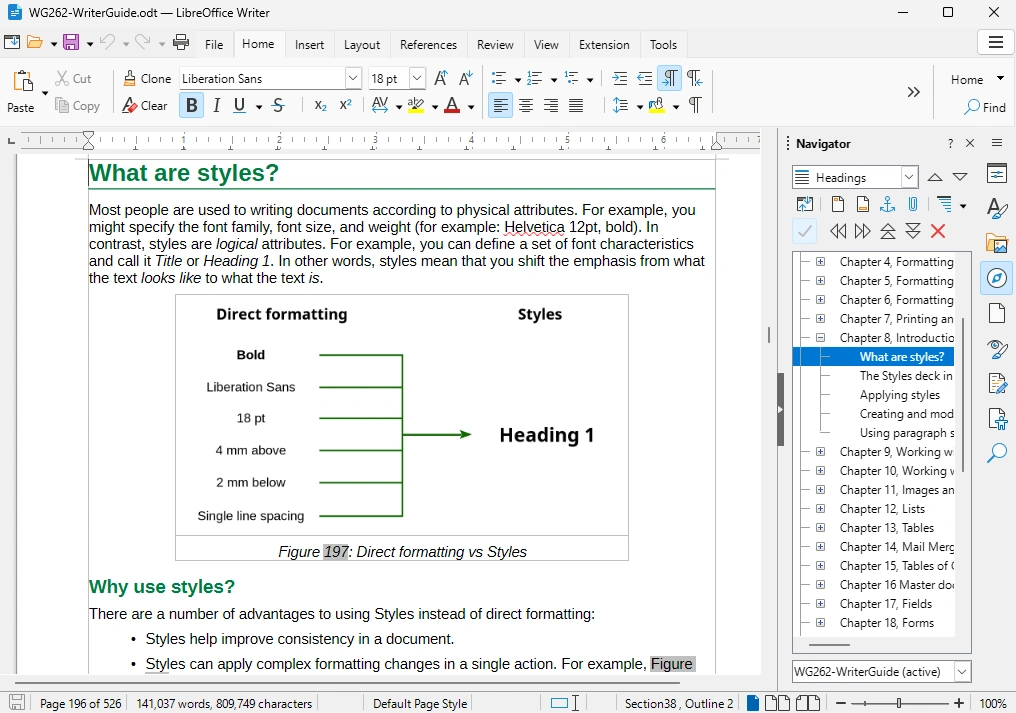
LibreOffice is worth trying when you mainly need to write documents, work in spreadsheets, and build presentations on your own computer. Writer, Calc, and Impress cover those jobs, while Draw adds diagrams and other layout work.
The suite opens and saves familiar formats including DOCX, XLSX, and PPTX, alongside its native OpenDocument formats. You can draft a proposal in Writer, calculate a project budget in Calc, and send a finished PDF without adding another recurring software bill.
Check your existing files before moving a team. Complex formatting, formulas, and macros can behave differently, and some files need manual adjustment. The desktop suite also does not replace the whole Microsoft 365 service bundle: shared cloud storage, email, and browser collaboration are separate requirements.
Try this: LibreOffice
3. KeePassXC
Tool replaced: 1Password
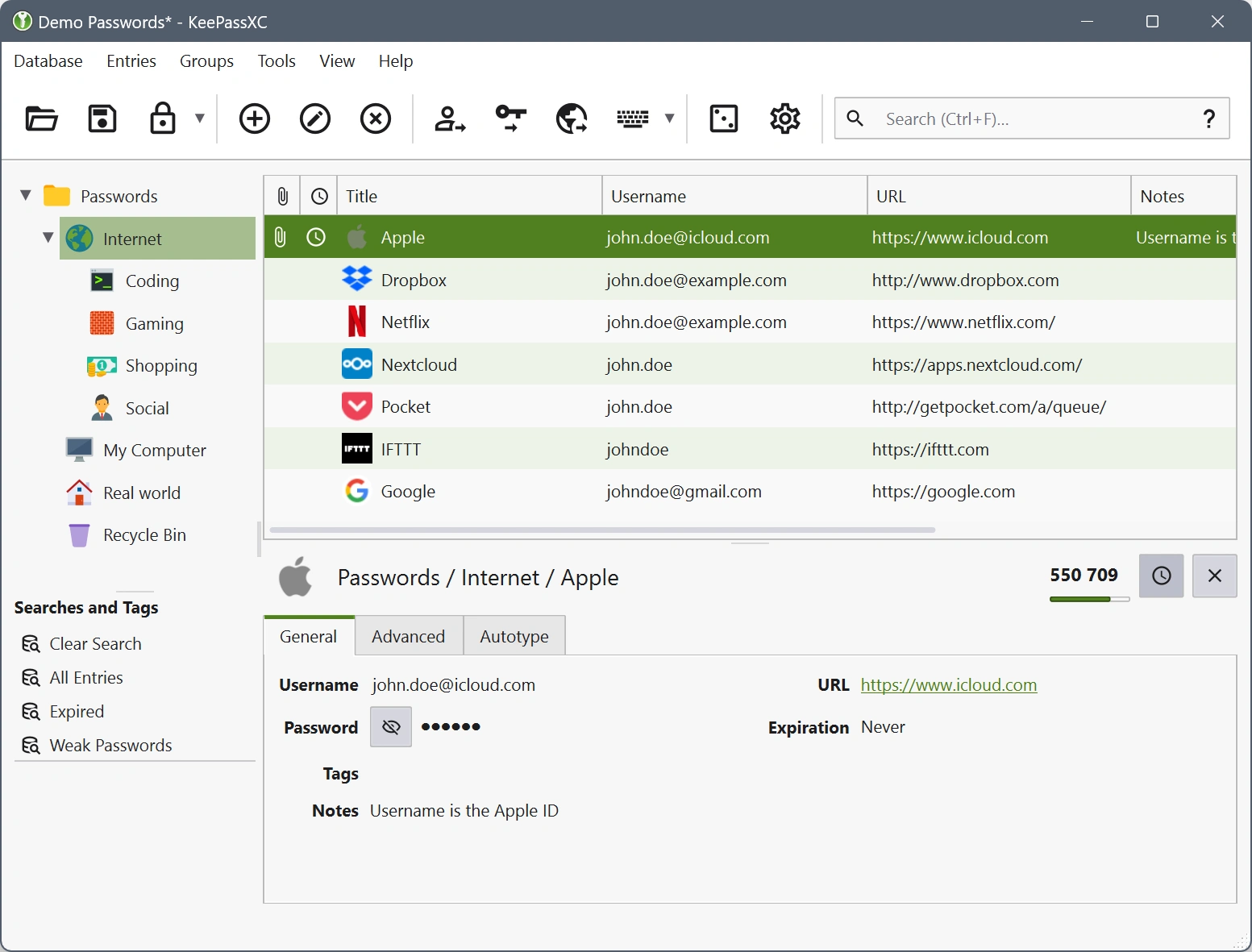
KeePassXC suits people who want their passwords in an encrypted file they control. It stores logins, notes, and attachments in a local database and runs on Windows, macOS, and Linux. The KeePassXC-Browser extension connects it to supported browsers for autofill.
For a freelancer, that can mean keeping publishing accounts and work tools organized in one database rather than paying for personal password storage. The built-in generator helps create different passwords for new accounts.
The main trade-off is convenience across devices. KeePassXC does not provide its own hosted sync service, so you arrange file synchronization and backups yourself. It is a closer fit for personal credential management than for replacing an organization's shared vaults, account recovery, and administrator controls in one move.
Try this: KeePassXC
4. RustDesk
Tool replaced: TeamViewer
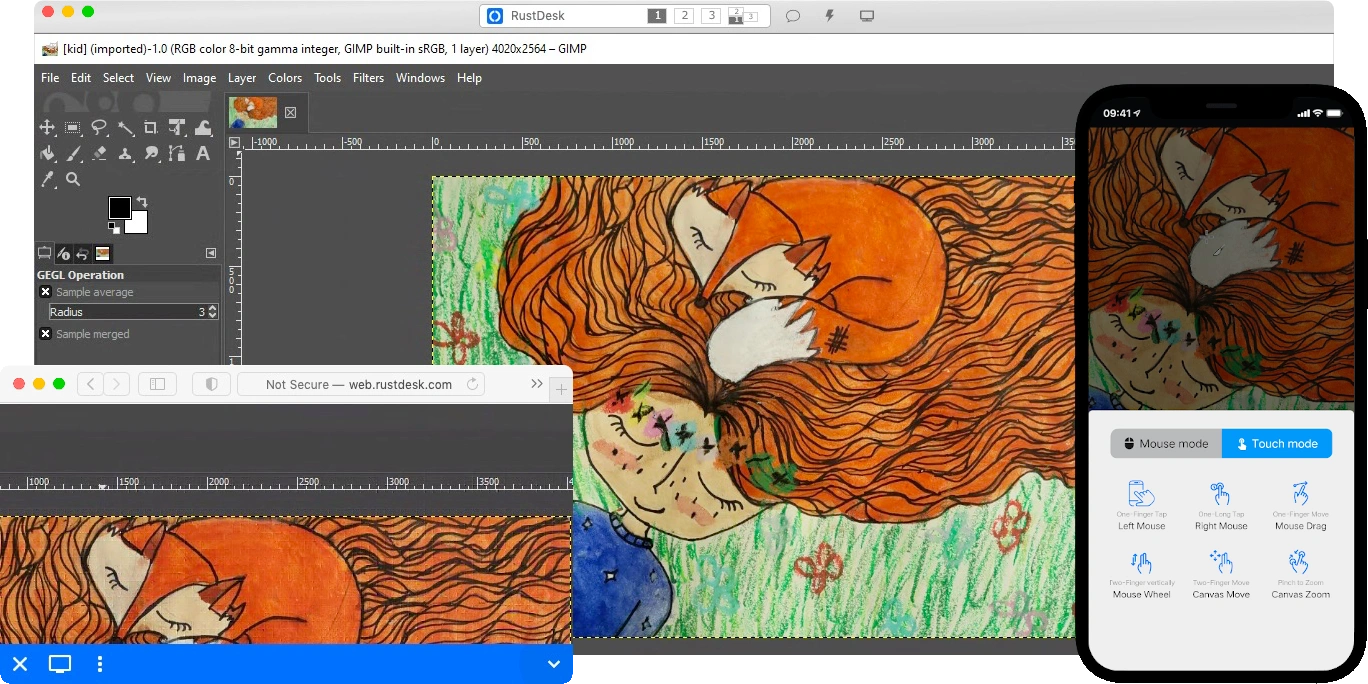
RustDesk lets you connect to another computer to help someone or reach a machine you manage. Its open-source client covers familiar remote-support tasks such as viewing and controlling a desktop and transferring files.
The practical attraction is the option to run your own connection infrastructure. RustDesk uses an ID server to help computers find each other and a relay when a direct connection cannot be established. Hosting these components gives you more control over that part of the service.
Start by connecting two machines you own and checking the permissions required by each operating system. The free server is not the same as RustDesk Server Pro, which adds management features. If you need a managed support fleet, check that edition's requirements rather than assuming every TeamViewer business feature is included.
Try this: RustDesk
5. Immich
Tool replaced: Google Photos
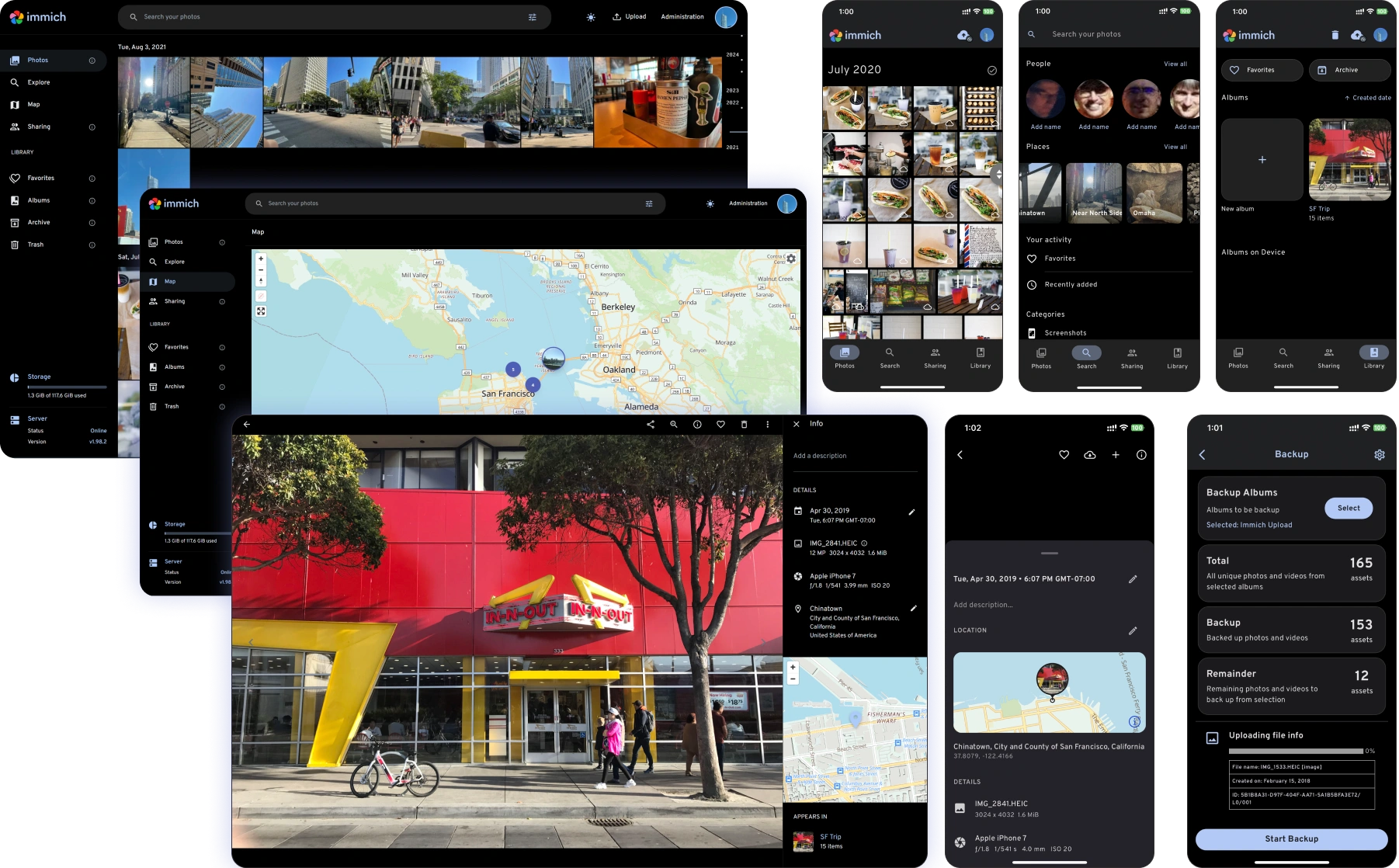
Immich is for people who want a familiar photo-library experience while keeping the library on storage they provide. Its server and mobile apps support photo and video backup, browsing, albums, and sharing. Features such as people grouping and contextual search make a large collection easier to navigate.
You could use a home server to collect phone photos and organize a growing archive without purchasing a larger hosted photo-storage tier. The software's optional purchase supports development; it does not unlock a separate set of photo features.
The storage still has to exist somewhere. You supply the disks or hosting, maintain the server, and back up both the media and database. Immich also does not replace the Gmail and Drive storage bundled into Google One. Check what is consuming your allowance before canceling that subscription.
Try this: Immich
6. Stirling PDF
Tool replaced: Acrobat Pro
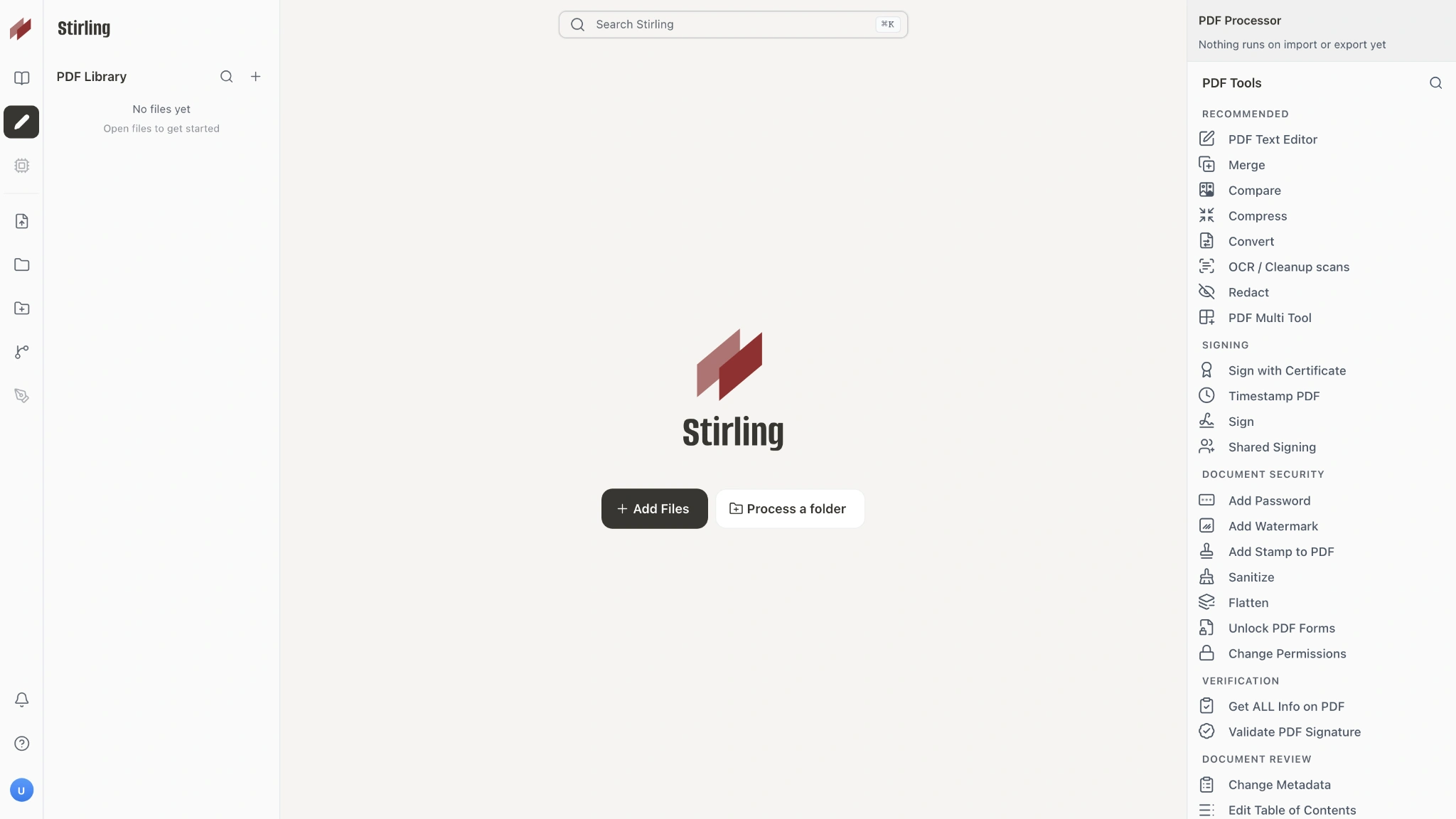
A lot of PDF work comes down to a small set of jobs: combine documents, split pages, compress a large file, convert formats, or make a scan searchable. Stirling PDF brings these tools into a browser interface you can run on your own server.
For example, an operations team could merge an application and its supporting documents, remove blank pages, and create a smaller copy for delivery. OCR turns supported scans into searchable documents. Keeping processing on your own deployment can also avoid uploading those files to a public PDF website.
Stirling is open core: its repository has an MIT-licensed core alongside separately licensed components. The current self-hosted Free plan has a five-user limit, with additional server features sold commercially. Check the build and plan you intend to run; access to source code does not make the entire product or every automation allowance unlimited.
Try this: Stirling PDF
7. Activepieces
Tool replaced: Zapier
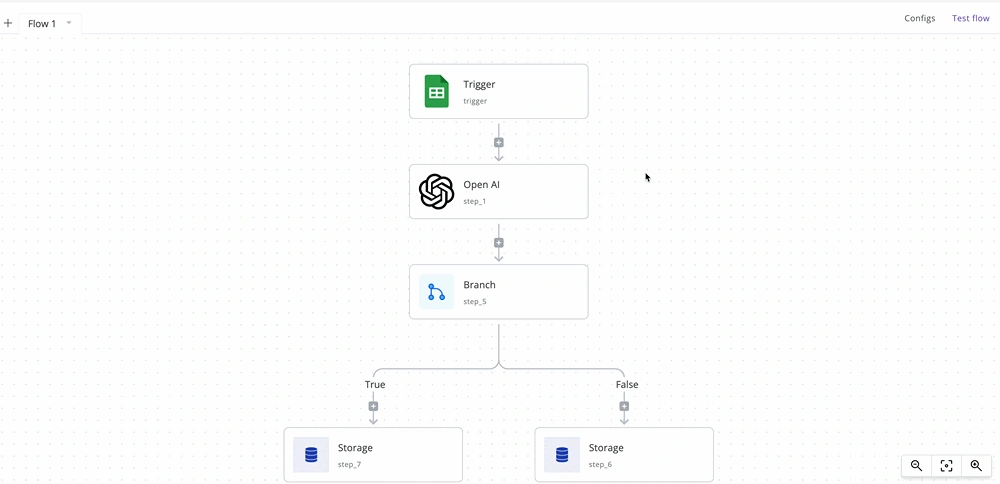
Activepieces is a visual automation builder. You choose what starts a flow, connect actions, and add conditions to decide what happens next. Its integrations are called pieces, and the Community Edition gives you an open-source automation core to host yourself.
A straightforward use is taking a new form response, adding the details to a spreadsheet, and notifying the right person in chat. Confirm that the exact trigger and actions you need exist before planning a migration.
Keep the Community Edition separate from the wider commercial product. The MIT-licensed core does not automatically include every advertised agent, chat, or governance feature. Your hosting and any paid services called by a flow can still create costs, including AI APIs if you add them.
Try this: Activepieces
8. Plane
Tool replaced: Jira
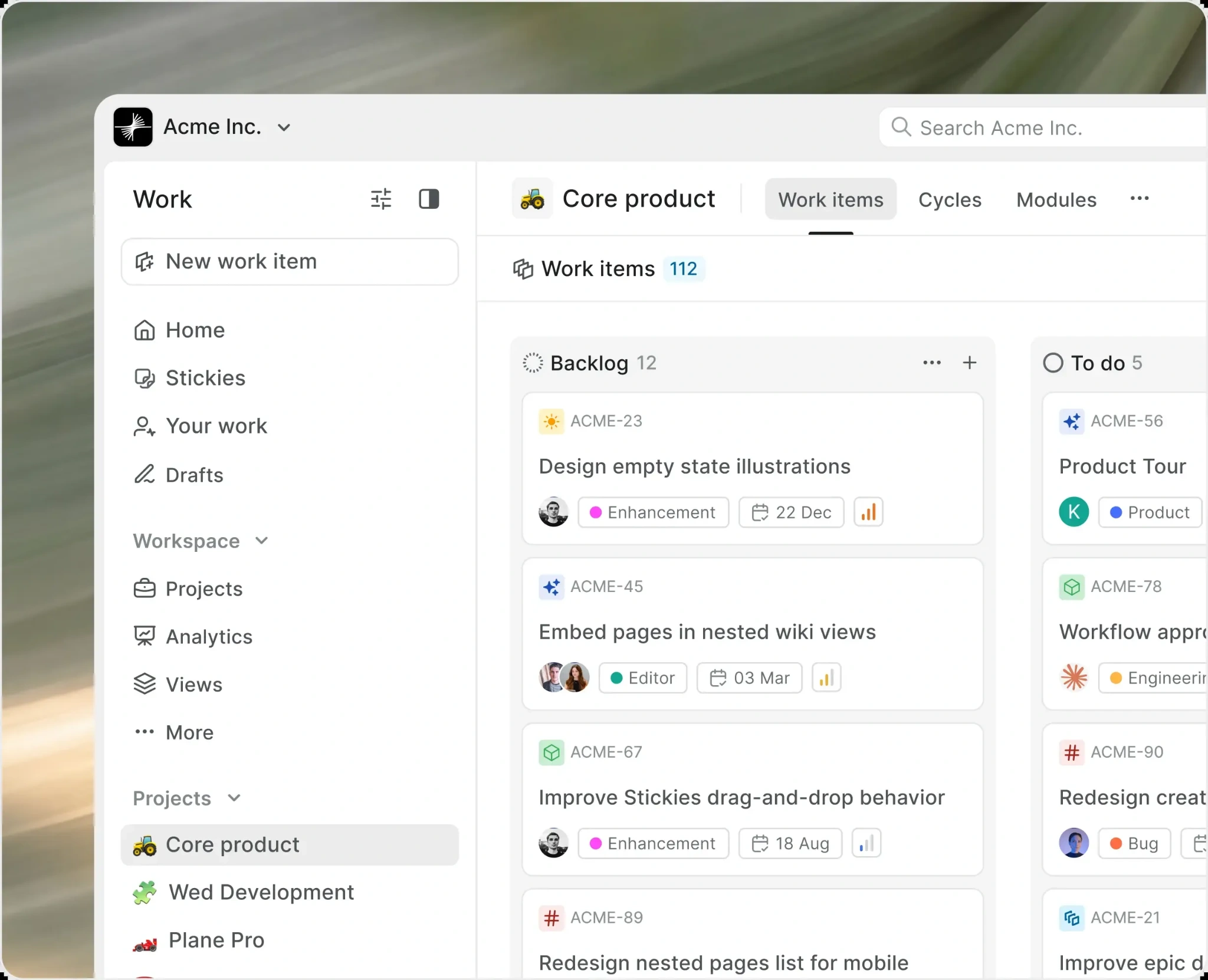
Plane is a useful alternative when your team needs a clear record of what is being done, who owns it, and what comes next. Its Community Edition includes projects, work items, cycles for time-boxed work, modules for grouping related tasks, and pages for documentation.
An editorial team could create a project for its publishing calendar, assign each article as a work item, and move it through research, editing, and publication. A product team can use the same foundations for bugs and planned releases. Different views let people inspect the work in the format they need.
The self-hosted Community Edition is AGPL-licensed. Plane also offers commercial editions, so check the feature split if you need SSO, approvals, advanced controls, or specific integrations. Moving issues is only part of replacing Jira; the team's existing rules and connected tools need attention too.
Try this: Plane
9. Documenso
Tool replaced: DocuSign
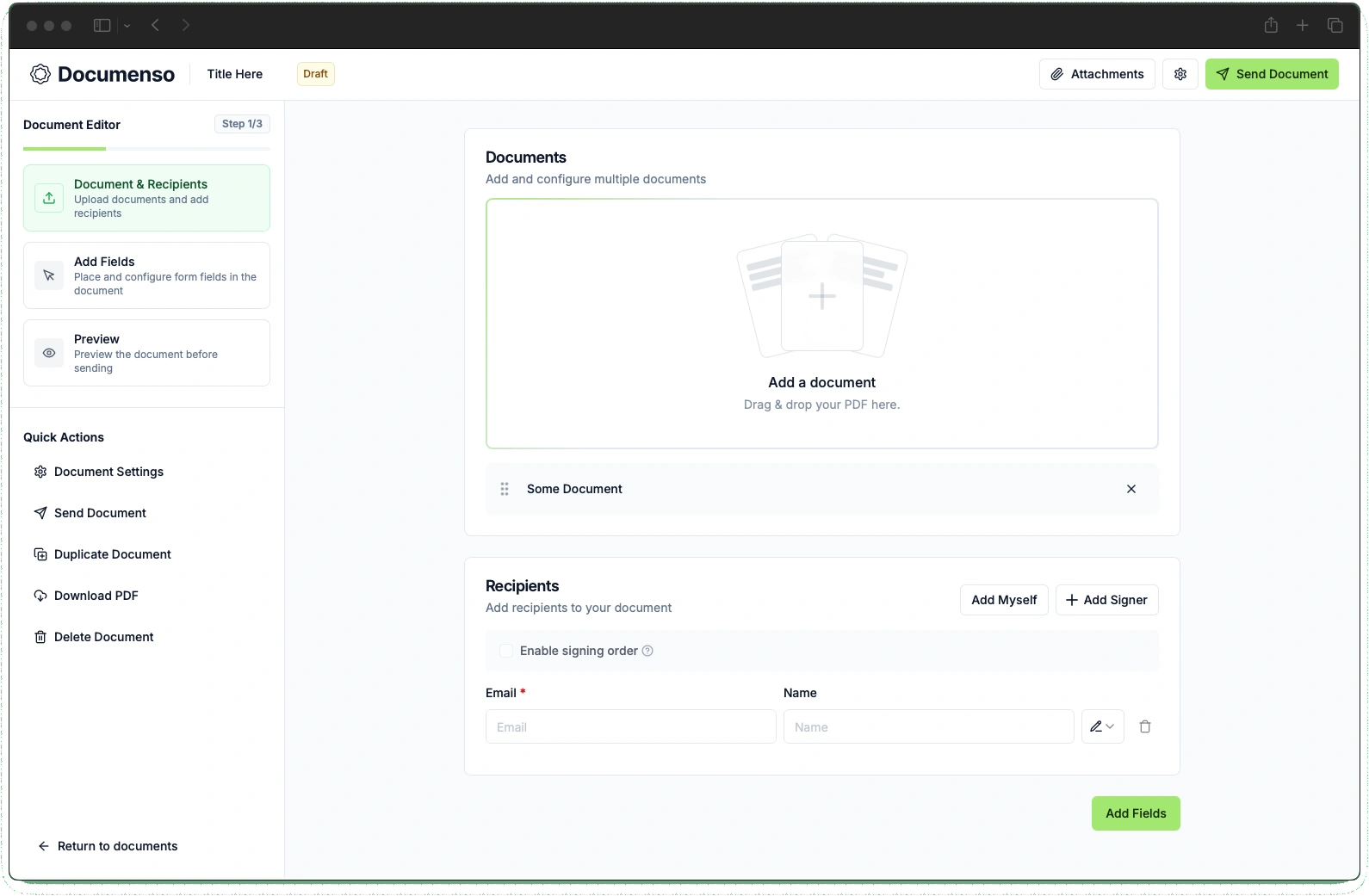
Documenso covers the workflow around requesting signatures: upload a PDF, add recipients and fields, send it, and track its progress. Its open-source Community Edition also provides reusable templates and an API for connecting signing to another application.
This is useful for a small agency sending a repeatable agreement. Instead of placing fields from scratch for every client, you can prepare a template and reuse the structure. The point is to handle the request and completion process, beyond simply pasting a signature image onto a PDF.
Self-hosting takes setup. You need the database, email delivery, and a configured signing certificate; the documentation warns that documents cannot complete without the certificate. If your agreements require specific identity checks, evidence, or regional signing standards, verify those requirements before choosing an edition or migrating a live workflow.
Try this: Documenso
10. listmonk
Tool replaced: Mailchimp
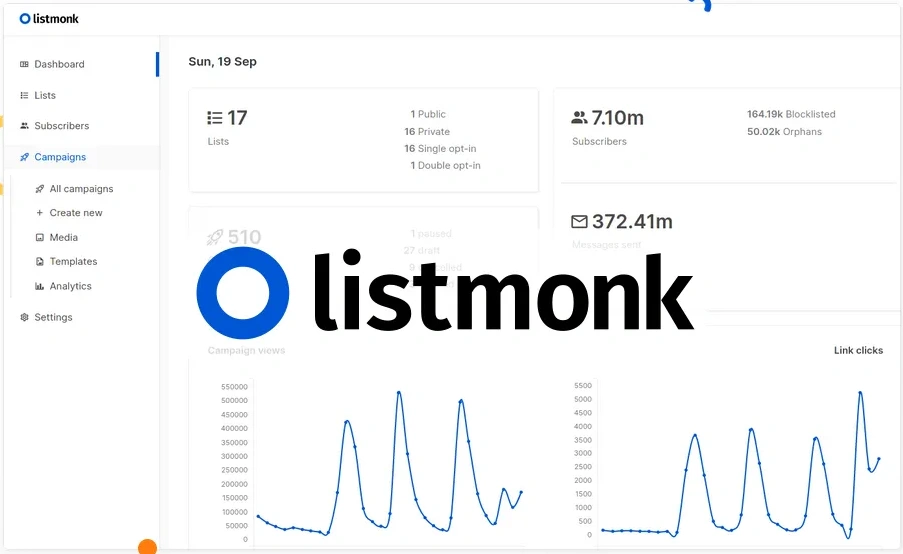
listmonk is a focused choice for publishing a newsletter to a subscriber list. You host the application and its PostgreSQL database, manage subscribers and segments, prepare campaigns, and send through an email service you configure.
A weekly product update is a good example. You can maintain a list of readers, create the email from a template, send a test, and schedule the campaign. It fits a team that already knows what it wants to send and prefers to control the mailing-list software.
Budget for delivery as well as the server. listmonk does not supply free email infrastructure, and successful sending still depends on your mail provider and sender configuration. It is a newsletter manager, so check your requirements carefully if you rely on a broad marketing suite's CRM, landing pages, or complex customer journeys.
Try this: listmonk
Make one switch before replacing the stack
Begin with a job you can check easily. Edit a cover in GIMP, open a copy of a real spreadsheet in LibreOffice, or organize a small test photo library in Immich. Use the files and handoffs that actually matter to your work.
For a team service, decide who will run it and test an export or backup restore before migrating. The best replacement is the one that completes the job reliably at a total cost you are happy to carry. Keep the paid tool when its convenience saves more than the switch would.
Frequently Asked Questions
Are all these tools completely free?
Their open-source apps or cores have a free route. Hosting, storage, email delivery, paid APIs, and commercial features can still cost money.
Do I need to know how to code?
Desktop tools usually do not require coding. Self-hosted services need someone comfortable installing, updating, securing, and backing up the application.
Which alternatives are easiest to start with?
GIMP and LibreOffice are straightforward desktop trials. Try them with copies of your existing files before changing your regular workflow.
Can I cancel the paid subscription immediately?
First check file compatibility, exports, collaboration, and any bundled services you still use. Cancel once the replacement handles your real requirements.