

A song people will listen to and a track that sits quietly beneath a voiceover are different jobs. Choose your AI music generator around that distinction before comparing how impressive its demo sounds.
These five tools cover vocal songs, editable instrumentals, background scores, and music you can develop further. The useful question is not just whether you like the first result. It is whether you can shape it, export it, and use it in the project you actually have.
TLDR: Start with Suno for vocal song ideas, SOUNDRAW for adjustable background tracks, or Beatoven.ai for prompt-led scoring. AIVA suits MIDI-based composition; Loudly connects generation with quick remixing and effects.
1. Suno
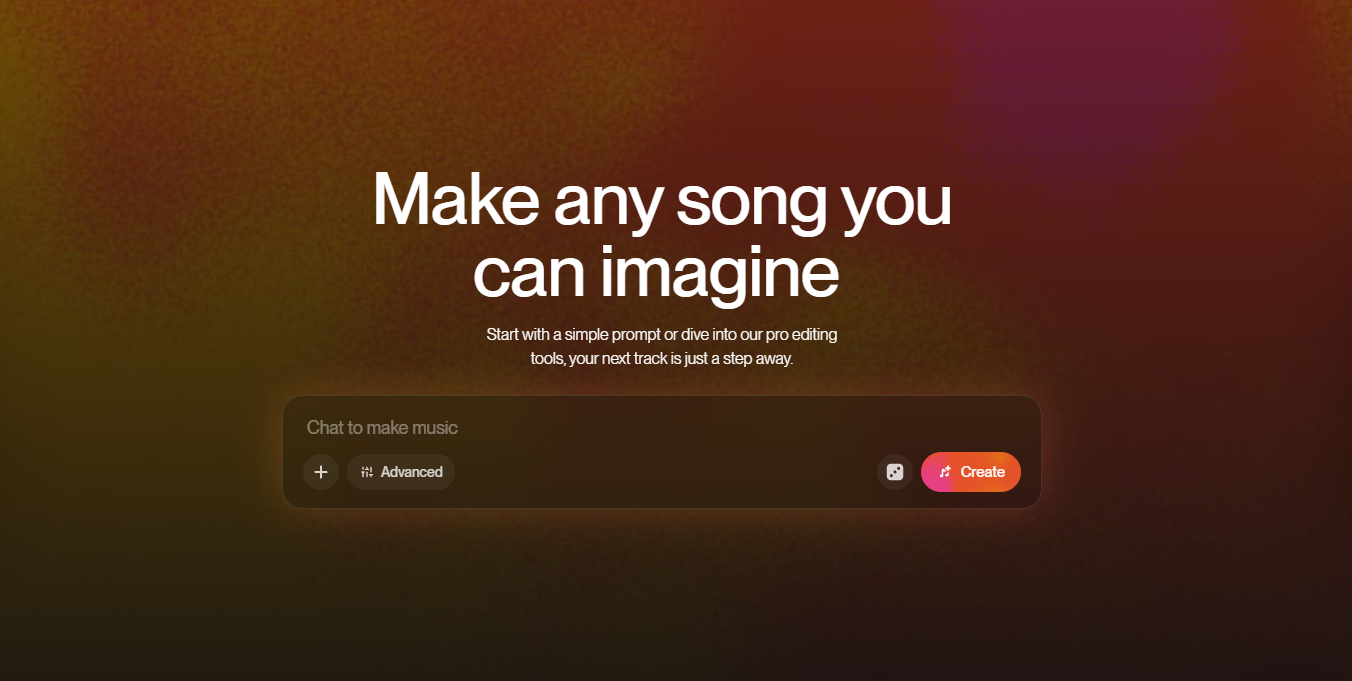
Suno Studio’s note editor gives you another way to develop a generated song.
Best for: Turning lyrics or a song idea into a complete musical draft.
Suno can generate songs from a description, including tracks with vocals. You can start with the mood and genre or bring lyrics you have written. Its broader toolkit includes remixing and stem separation, while Studio provides a browser-based workspace for arranging and editing audio.
That makes it a useful starting point when you want to hear an idea rather than build every instrument from scratch. A finished-sounding output still needs listening: check pronunciation, repeated lines, transitions, and whether the ending actually resolves.
Check your plan’s download allowance and commercial-use terms before generating music for paid work. Free access is not a blanket commercial license, and Studio access is a separate plan consideration.
Try this first: Write a short original chorus, specify the vocal style without naming an artist, and compare two versions for intelligibility and structure.
2. SOUNDRAW
The energy controls let you shape individual sections of a background track.
Best for: Music that needs to follow a video’s changing pace.
SOUNDRAW lets you choose musical characteristics and then adjust the result. Its Mixer controls instruments, intensity, and length, so a quiet introduction can build into a stronger middle without sending you straight into a full production application.
This is especially useful for explainers, podcast segments, and product videos. The music needs to support the edit, not compete with it. Listen under the actual narration rather than judging the track on its own.
Choose the license for the release you intend. SOUNDRAW distinguishes background-content use from artist distribution, and client or synchronization uses can need additional attention. Generating a beat is not permission for every possible release.
Try this first: Score a short explainer, lower the energy beneath the densest narration, and give its closing section a clear finish.
3. Beatoven.ai
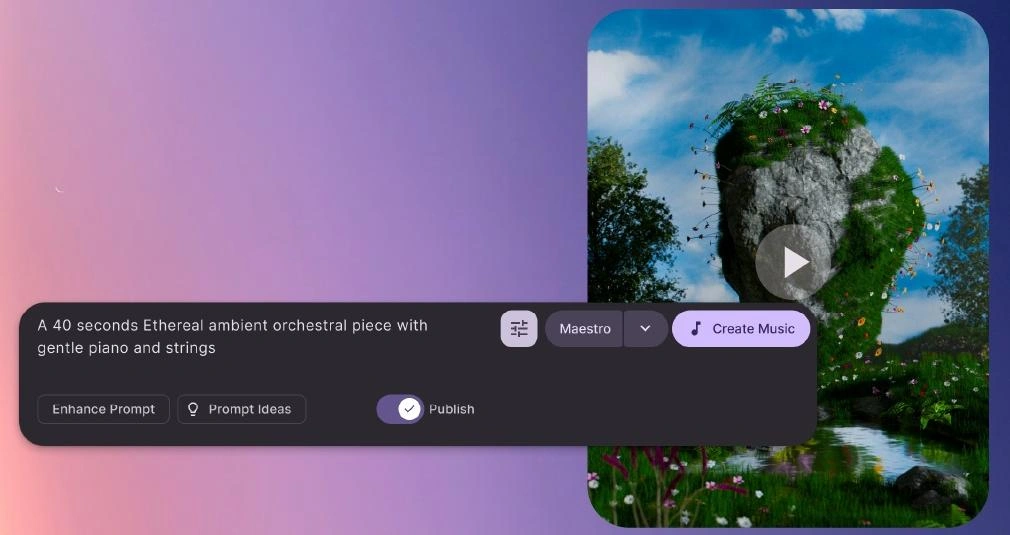
A music brief can specify duration, mood, and instrumentation in the prompt.
Best for: Creating background music from a plain-language brief.
Beatoven.ai focuses on original background music. Its maestro model accepts a description of the soundtrack you want, making it approachable when you can describe a scene but do not know how to compose for it.
Give it a useful brief: duration, mood, instruments, and the role the music should play. “A restrained piano and strings bed for a reflective interview” is more actionable than “something cinematic.” Treat that as a starting instruction, not a guarantee that every beat will land on your edit.
Check download limits and the license for your project before committing. Using music inside a video and releasing the music as a standalone track are different permissions.
Try this first: Generate music for a calm interview segment, then listen for phrases that distract from the speaker. Revise the brief around that problem.
4. AIVA
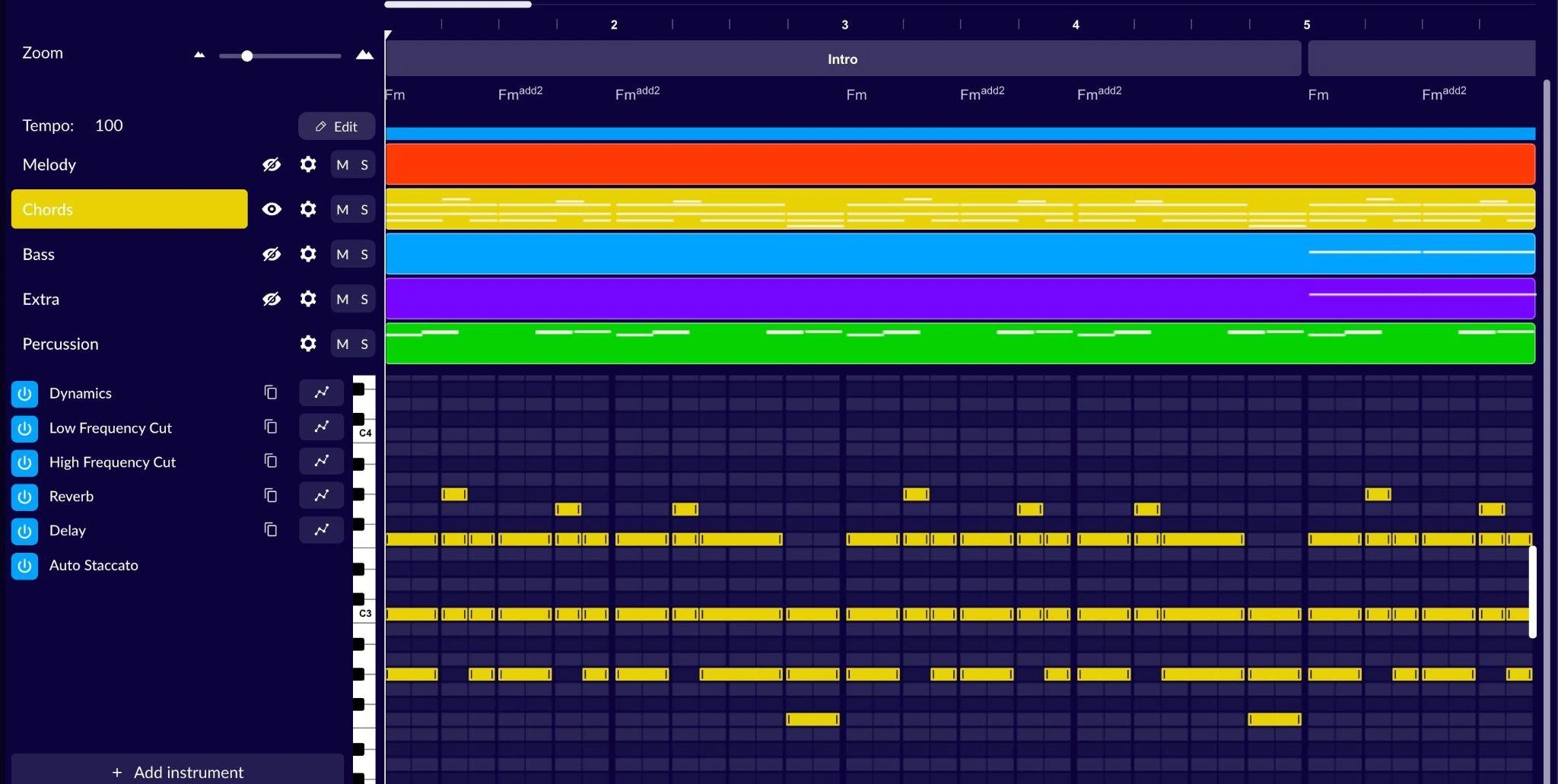
AIVA exposes instrument tracks and notes for more deliberate composition edits.
Best for: Instrumental ideas you want to reshape through MIDI and arrangement.
AIVA combines music generation with editable tracks and support for audio or MIDI influences. It is worth considering when you want more than a rendered audio file: a musical starting point that can continue into an arrangement workflow.
The interface is closer to composition software than a one-line prompt box. That extra structure is useful if you want to change the harmony, instruments, or notes instead of repeatedly asking for a completely new song.
Its plans have materially different permissions. The free plan is non-commercial and requires credit; Standard restricts monetization to specified platforms. Check the plan that matches your actual release rather than assuming every paid tier covers everything.
Try this first: Create a short instrumental cue and change one instrument or melodic phrase. Decide whether editing the idea is easier than regenerating it.
5. Loudly
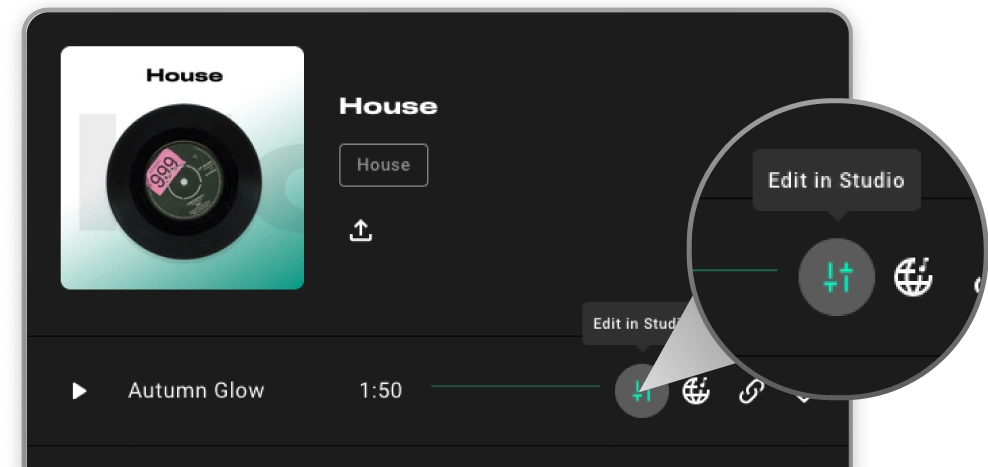
The Edit in Studio action connects a generated track to further customization.
Best for: Generating a track and quickly changing its energy, duration, or effects.
Loudly combines music generation with a Studio workflow for remixing and customization. Studio lets you adjust tempo, energy, and duration, blend genres, and apply audio effects to supported Loudly tracks.
That makes it useful for a creator who wants a few variations of one musical direction. A short social cut and a longer explainer may need related moods without using exactly the same arrangement.
Loudly now presents multiple generation models, including instrumental and vocal options. Choose the model for the job, then check its plan, export, and licensing terms. Do not assume every model or distribution route has identical conditions.
Try this first: Generate an instrumental, then make a quieter version in Studio for dialogue. Compare them under the same voiceover before exporting.
Choose for the final use, not the first impression
Start with one project and its real constraints: vocal or instrumental, duration, editability, and where it will be published. A music generator that produces a striking chorus can still be the wrong choice for an unobtrusive training-video soundtrack.
Before you pay, confirm that the plan allows the exports and use you need. Keep the relevant license record with the project. Then audition a complete track, including its transitions and ending, against the content it is meant to support.
Frequently Asked Questions
Can I use free AI music commercially?
Not automatically. Check the tool’s plan and license for that specific track and intended use.
Which tool suits vocal song ideas?
Suno is a useful starting point for songs generated from a description or your own lyrics.
Which tool supports MIDI workflows?
AIVA supports MIDI influences and MIDI downloads, with formats and usage limits depending on the plan.
Does royalty-free mean unrestricted?
No. Background use, standalone distribution, client work, and attribution can have different conditions.